FLUX.1 Image-to-Image Generator
Transform your images with the FLUX.1 Image-to-Image Generator. Powered by a 12 billion parameter transformer, this tool enables stunning modifications and enhancements based on detailed text prompts.
Generated Image
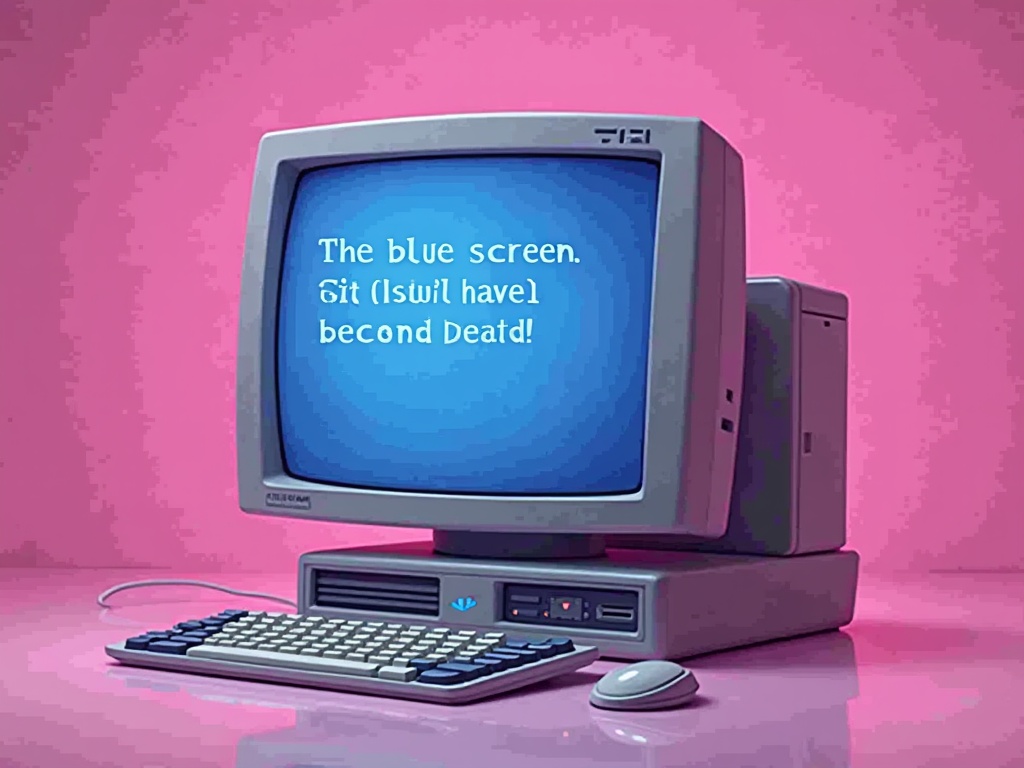
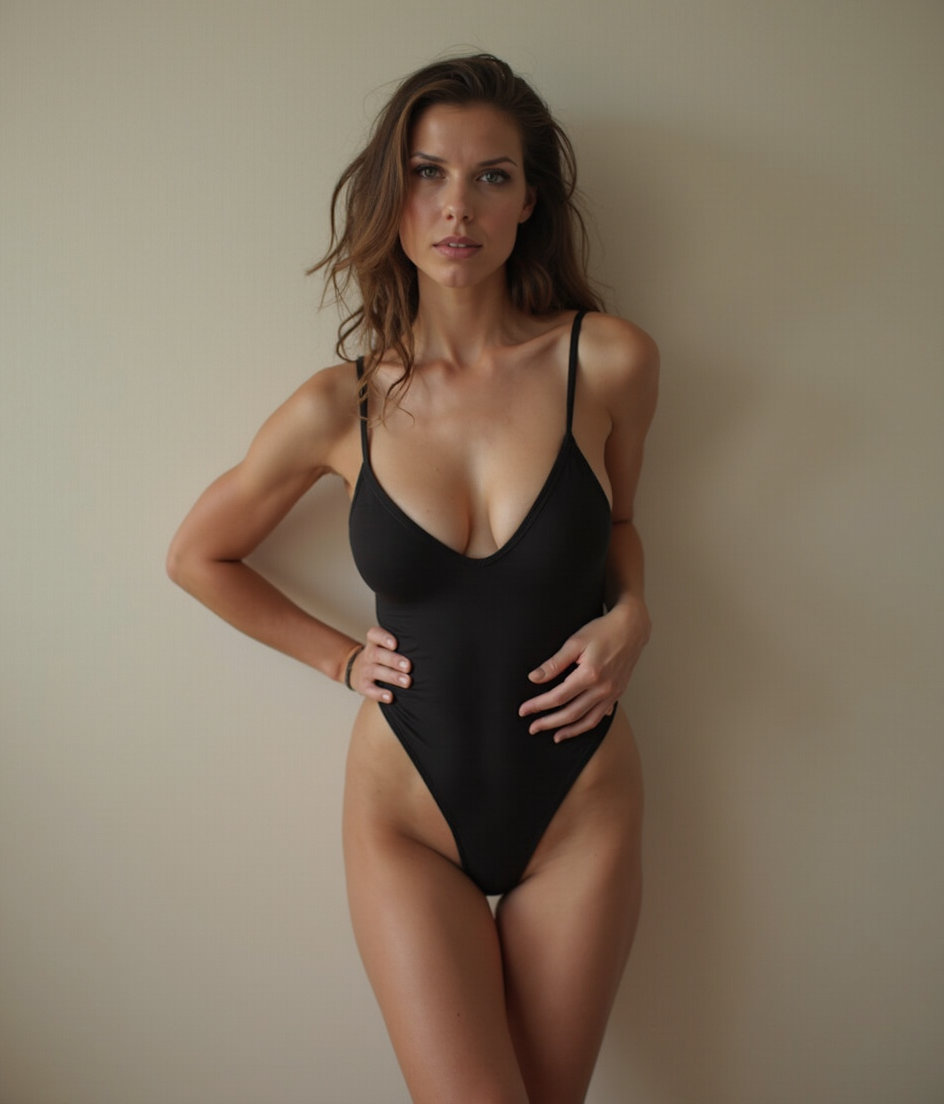
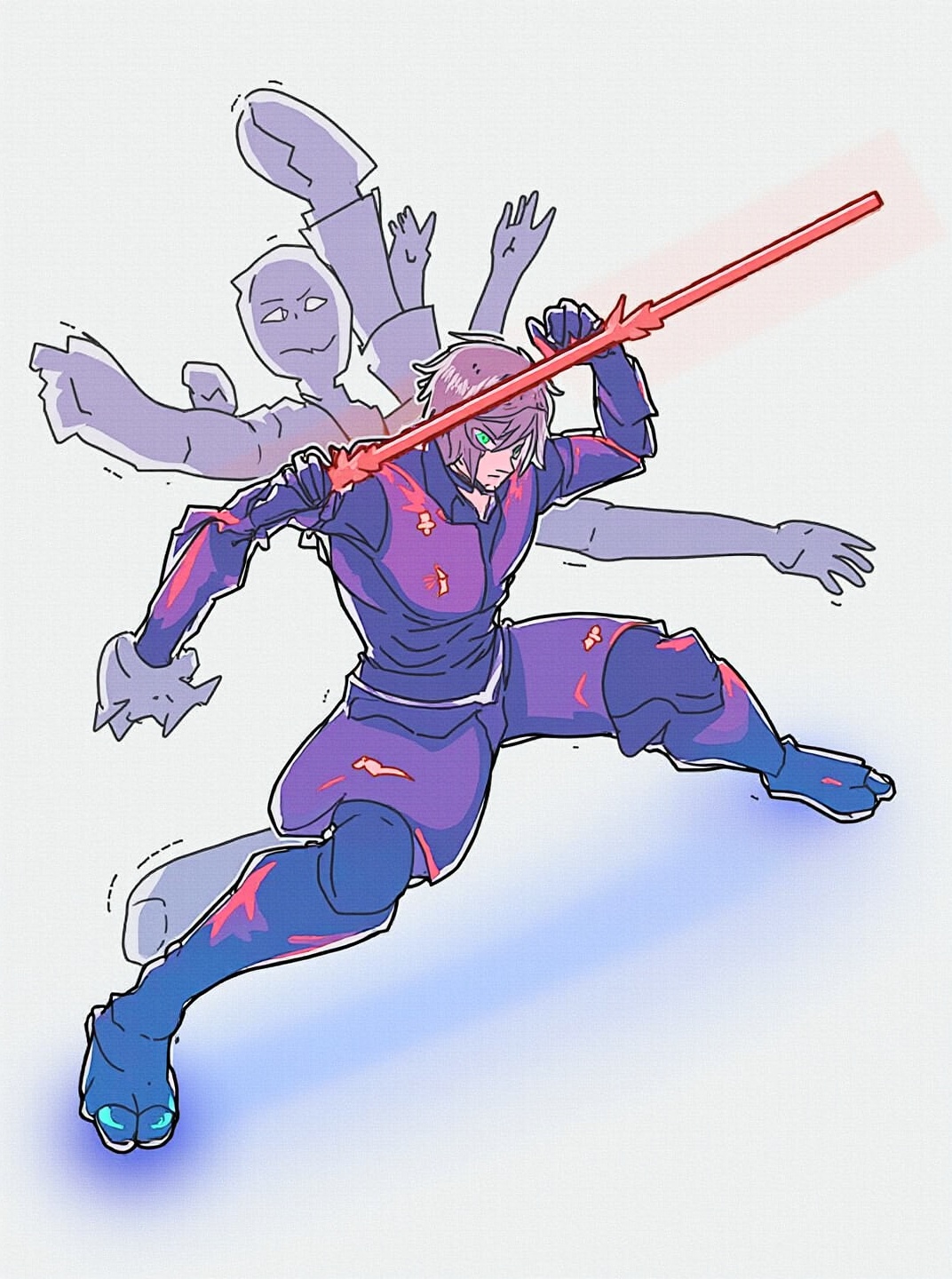
PROMPT: Photorealistic Conversion Use the uploaded image as a strict visual reference. Create a photographic, ultra-realistic portrait of a real human woman that matches the exact pose, head angle, facial orientation, framing, and composition of the reference image. The subject must be rendered as a real person photographed with a professional camera, not an illustration. Preserve exactly: Head tilt, gaze direction, and posture, Cropping, scale, and position in frame, Clothing design, armor structure, visor shape, and equipment layout, Hairstyle length, direction, and volume. Convert all elements to real-world materials: Skin with natural pores, fine wrinkles, subtle asymmetry, realistic subsurface scattering. Hair as individual strands with natural highlights. Optical eye piece as real optical material (tinted glass or polycarbonate) with believable reflections and thickness. Clothing and armor as real fabrics and composites (stitched seams, wear patterns, realistic stiffness) Lighting should resemble high-end studio portrait photography with soft but directional light, natural shadow falloff, realistic contrast, and accurate color response. Use a full-frame DSLR or cinema camera look, shallow depth of field, sharp focus on the face, natural lens perspective. The final result must look indistinguishable from a real photograph of a real person wearing real tactical/futuristic gear, while remaining perfectly faithful to the reference pose and design. NEGATIVE PROMPT:Do NOT stylize, cartoonize, illustrate, or beautify unrealistically. Avoid:CGI, 3D render look, game art, concept art, Anime, cyberpunk illustration style, painterly effects,Smooth plastic skin, waxy faces, airbrushed texture,Exaggerated facial symmetry or idealized proportions, Over-glow, neon lighting, rim-light outlines,Costume-like materials that look fake or foam-based, Changing the pose, camera angle, framing, or clothing design, Adding or removing accessories or armor details, No fantasy aesthetics. No illustration cues. No stylization. The image must read as a real photograph first, not a game character.

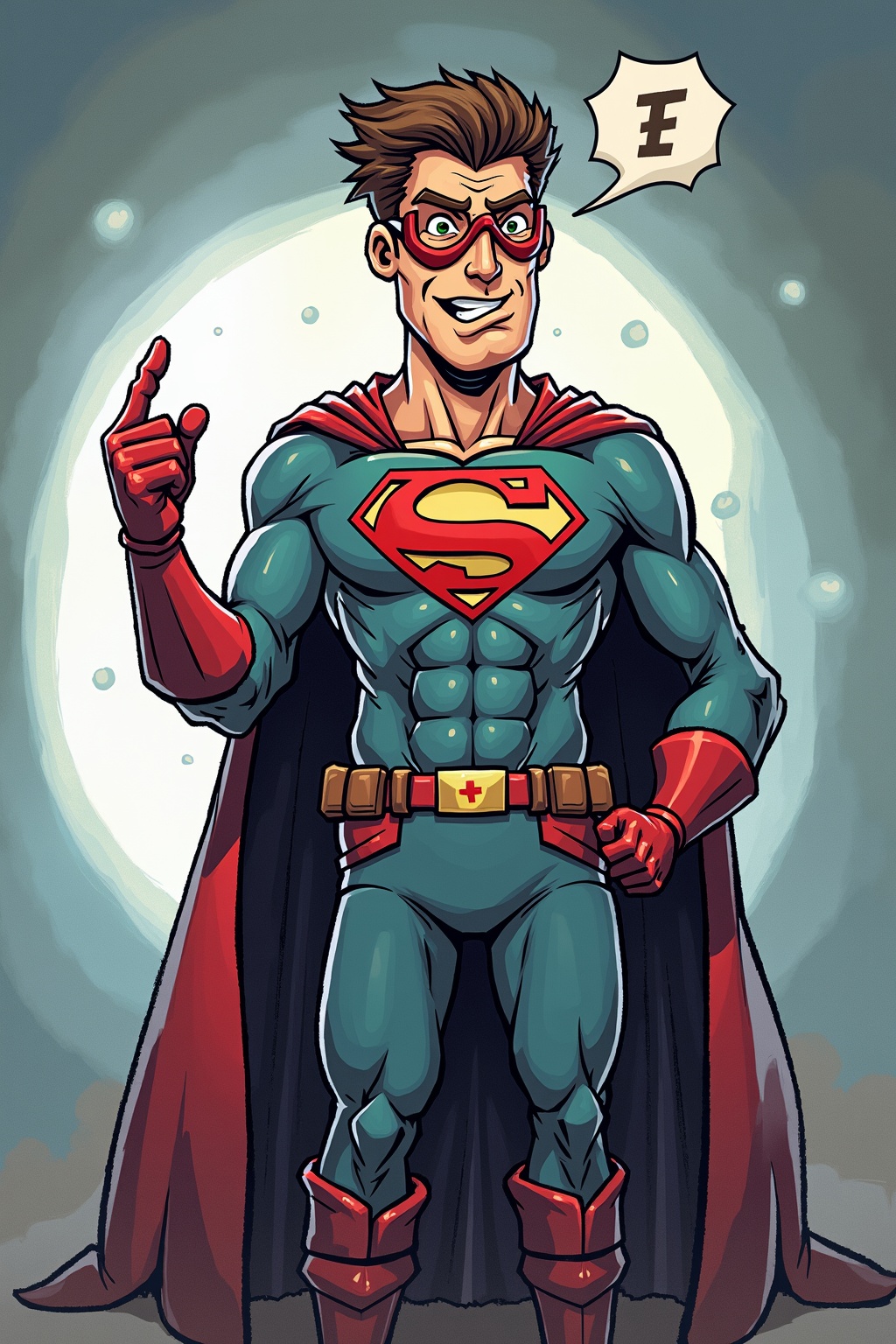
Change the style of the image to Ghibli style.

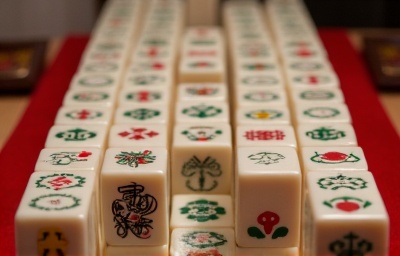
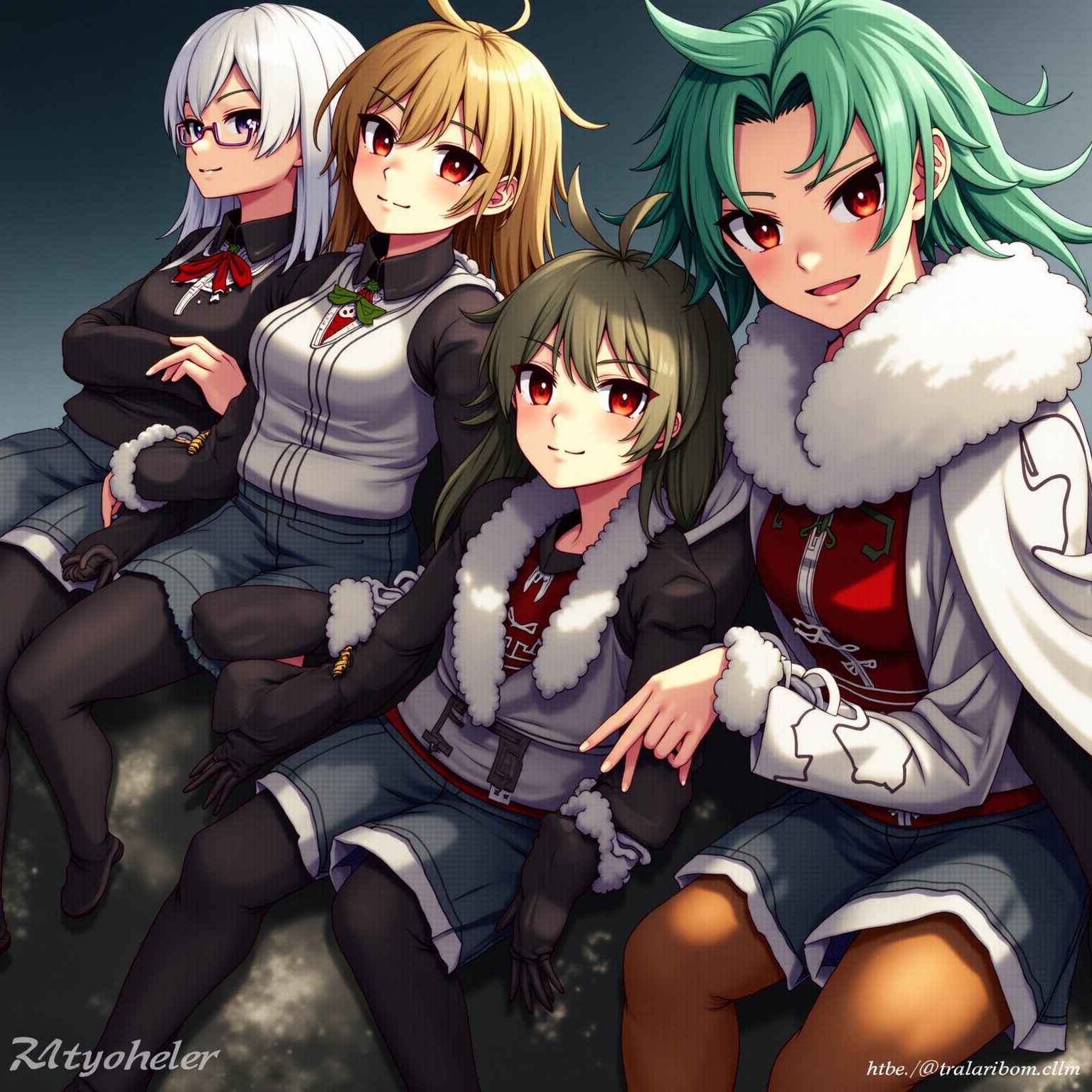
this image is playing mahjong

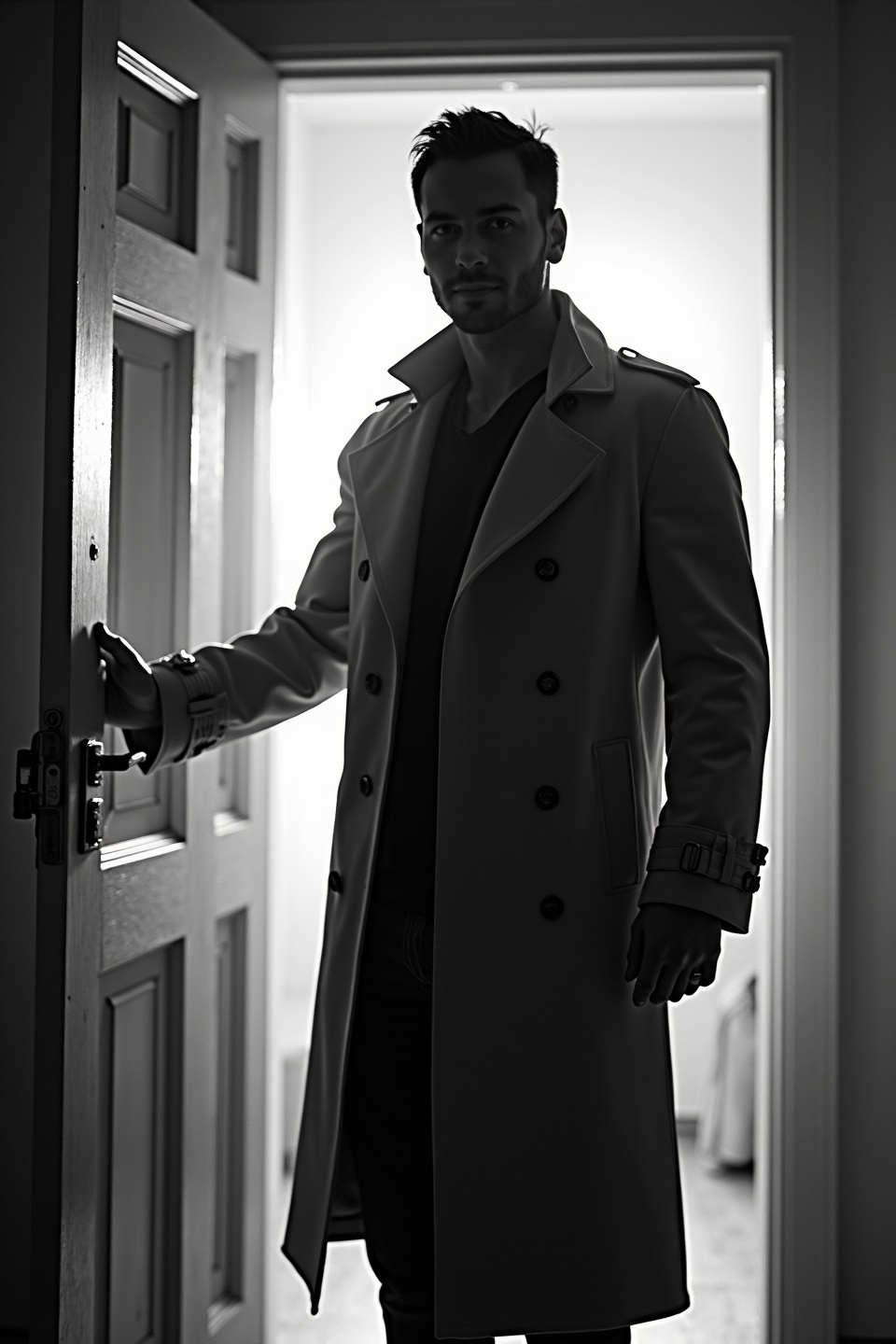
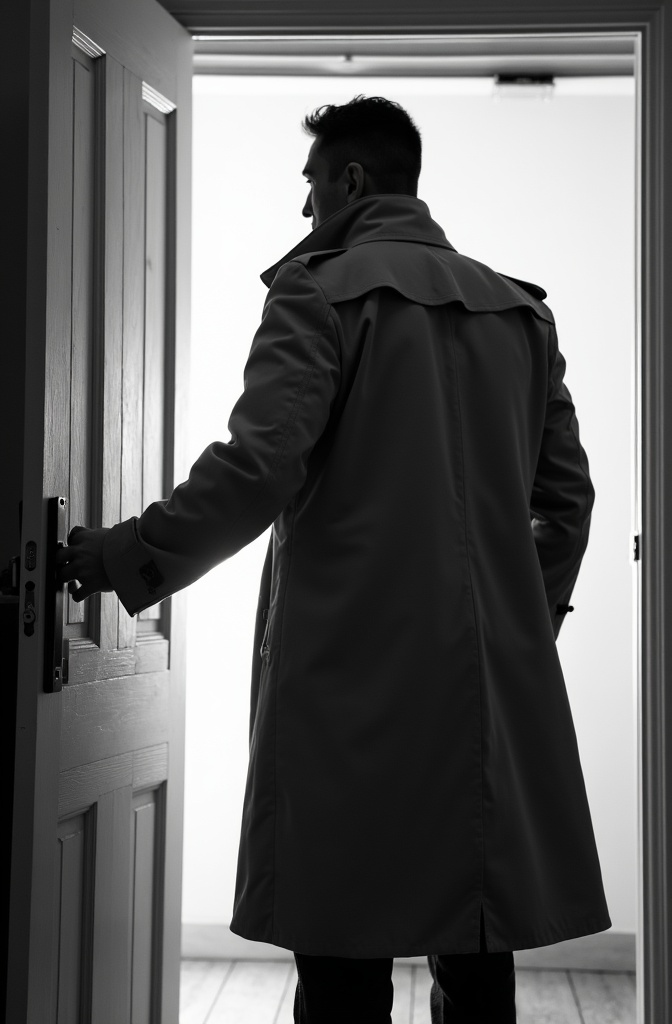
black-and-white photo with the backlit dark silhouette of a handsome broad-shouldered man in a trench coat standing in a doorway coming and looking to camera. The man touching the door, as if he just entered the room. God rays. Backlight
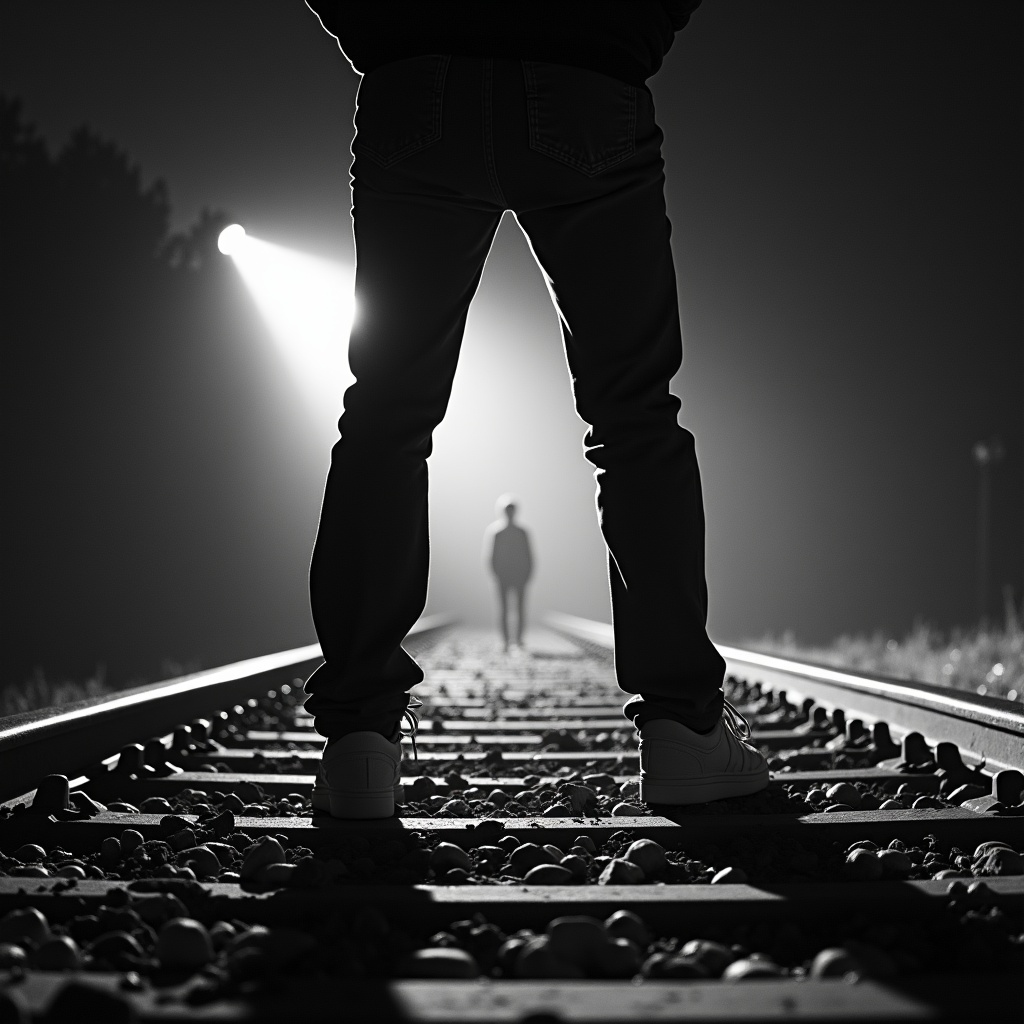
The bnw silhouette of a woman's wide spreaded legs stands on railroad tracks. A train spotlight from the background shines between her legs.

PROMPT: Photorealistic Conversion Use the uploaded image as a strict visual reference. Create a photographic, ultra-realistic portrait of a real human woman that matches the exact pose, head angle, facial orientation, framing, and composition of the reference image. The subject must be rendered as a real person photographed with a professional camera, not an illustration. Preserve exactly: Head tilt, gaze direction, and posture, Cropping, scale, and position in frame, Clothing design, armor structure, visor shape, and equipment layout, Hairstyle length, direction, and volume. Convert all elements to real-world materials: Skin with natural pores, fine wrinkles, subtle asymmetry, realistic subsurface scattering. Hair as individual strands with natural highlights. Optical eye piece as real optical material (tinted glass or polycarbonate) with believable reflections and thickness. Clothing and armor as real fabrics and composites (stitched seams, wear patterns, realistic stiffness) Lighting should resemble high-end studio portrait photography with soft but directional light, natural shadow falloff, realistic contrast, and accurate color response. Use a full-frame DSLR or cinema camera look, shallow depth of field, sharp focus on the face, natural lens perspective. The final result must look indistinguishable from a real photograph of a real person wearing real tactical/futuristic gear, while remaining perfectly faithful to the reference pose and design. NEGATIVE PROMPT:Do NOT stylize, cartoonize, illustrate, or beautify unrealistically. Avoid:CGI, 3D render look, game art, concept art, Anime, cyberpunk illustration style, painterly effects,Smooth plastic skin, waxy faces, airbrushed texture,Exaggerated facial symmetry or idealized proportions, Over-glow, neon lighting, rim-light outlines,Costume-like materials that look fake or foam-based, Changing the pose, camera angle, framing, or clothing design, Adding or removing accessories or armor details, No fantasy aesthetics. No illustration cues. No stylization. The image must read as a real photograph first, not a game character.

A 25-year-old girl, completely naked, stands straight, hands behind her back, holds her hands behind her back, legs apart, legs shoulder width apart, legs wide apart, shoulders straightened, correct posture, unshaven pubis, pubic hair, perfect body, perfect figure, 90-60-90, correct facial features, a mixture of Asian and Slavic blood, very beautiful face, small stature, short, long thick black hair partially covers the right breast, almond-shaped eyes, medium breasts with dark scarlet nipples, thick hair in the groin, beautiful face with large almond-shaped eyes, half smile, She smiles slightly with a cheeky and languid look, looking straight ahead. She is standing full-face, right in front of us, on a gray fluffy carpet. She is standing in white ankle boots. It's like he's showing himself to everyone. Lovely girl. with black pubic hairs, attractive face, brown eyes, realistic, with increased detail, trending on artstation, artstationHD, artstationHQ, 4k, 8k, "(Nude:1.9)"

A young man with light brown hair and a beard, wearing a blue polo shirt, appears trapped in a fiery apocalypse. He squints his eyes shut in pain, raising both hands forward as if trying to shield himself from the flames. His face and hands are covered in burns and scorched textures, glowing with intense fire. Bright orange and yellow flames engulf his body, wrapping around his arms, chest, and face, while blackened charred skin contrasts against the fire. Behind him, tall skyscrapers burn, with dark smoke rising into a red-orange apocalyptic sky. The entire scene feels like a dramatic cinematic shot from a disaster or end-of-the-world movie, emphasizing suffering, destruction, and chaos.

los pendientes en una caja encima de cesped

A black-and-white central compositioned closeup photo at night. The silhouette of a woman's wide spreaded legs stands with her back to the camera on railroad tracks, facing the background. A spotlight from the background shines between her legs. dramatic backlit lighting
How to Use FLUX.1 Image-to-Image Generator?
Follow these steps to transform and enhance your images with FLUX.1 Image-to-Image:
- Upload your image in PNG or JPG format, up to 2048 x 2048 pixels.
- Enter a descriptive text prompt detailing the changes or enhancements you want to apply.
- Adjust the model parameters, such as resolution and denoise level, to achieve your desired outcome.
Frequently Asked Questions
What is FLUX.1 Image-to-Image used for?
FLUX.1 Image-to-Image is used for transforming and enhancing images based on specific text descriptions. It’s perfect for photo editing, creative prototyping, and artwork refinement.
How does FLUX.1 Image-to-Image generate results?
FLUX.1 Image-to-Image uses a powerful transformer model that interprets your text prompts and applies detailed modifications to your uploaded image, generating high-quality outputs.
What image quality can I expect from FLUX.1 Image-to-Image?
FLUX.1 Image-to-Image delivers top-tier image quality with resolutions up to 2048 x 2048 pixels, providing highly realistic and detailed visuals.
Is FLUX.1 Image-to-Image suitable for commercial use?
Yes, FLUX.1 Image-to-Image is suitable for personal, scientific, and commercial use, offering flexible licensing for a wide range of applications.
What makes FLUX.1 Image-to-Image stand out?
FLUX.1 Image-to-Image stands out due to its advanced AI capabilities, allowing for precise and detailed image transformations that align closely with user prompts.
How can I achieve the best results with FLUX.1 Image-to-Image?
To achieve the best results, use clear and detailed prompts. Experiment with different parameters to refine the output according to your needs.