Generated Image
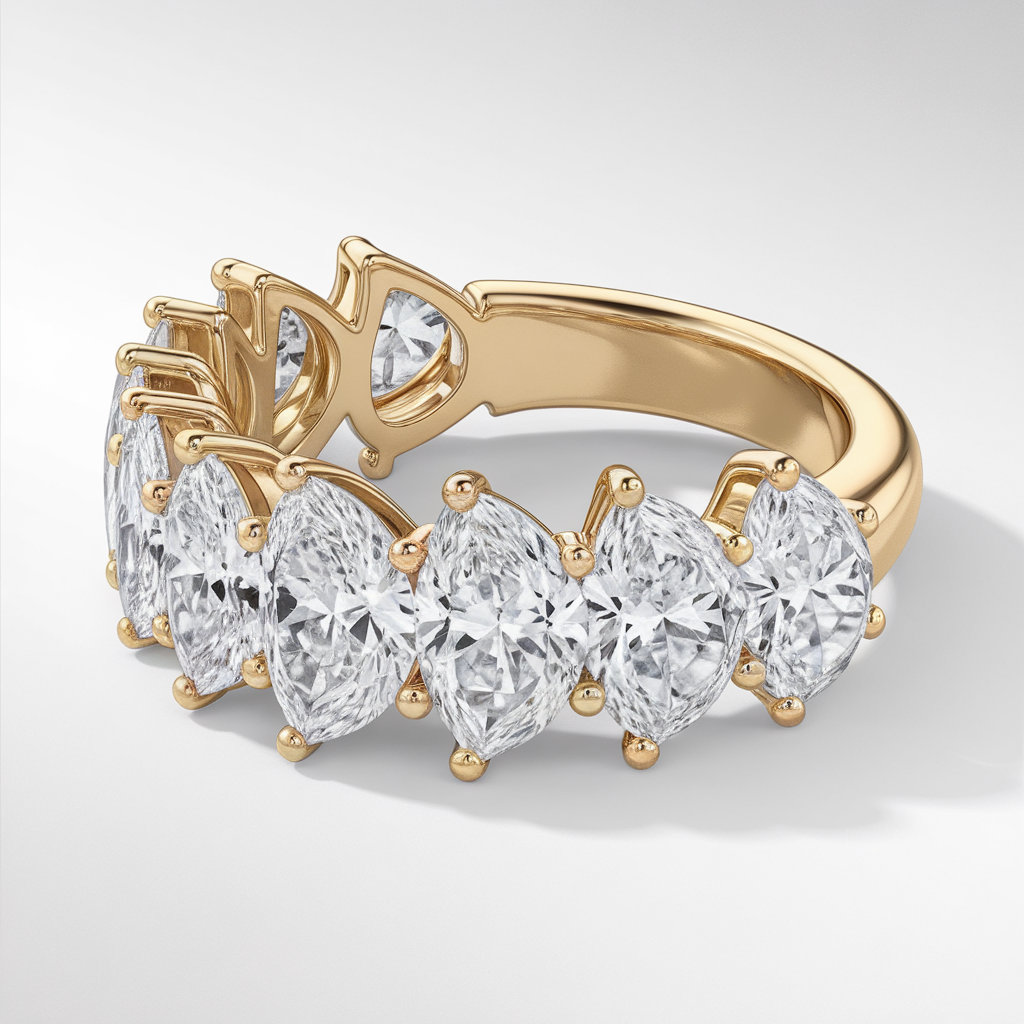
Create a picture in the highest quality with a sketch by a jewelry artist, a sketch of a hoop ring and pear-cut diamonds.
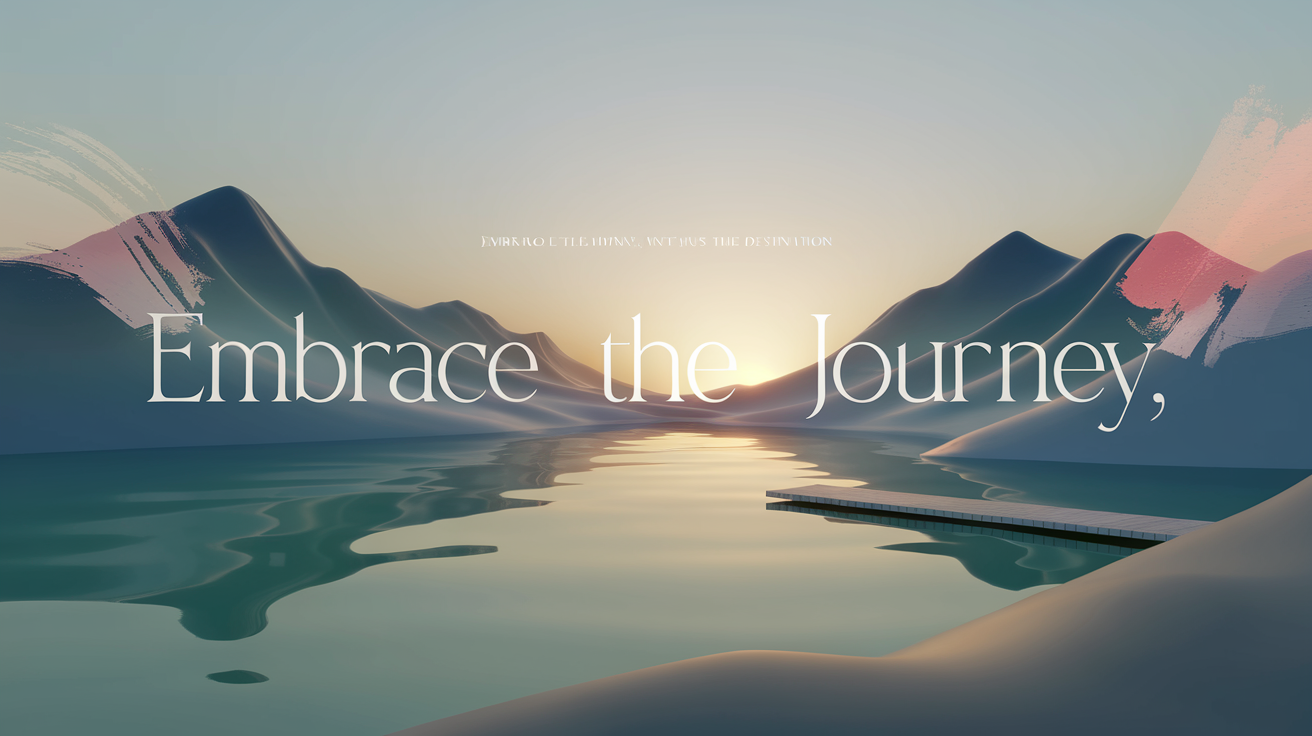
“Create a visually inspiring image that showcases an uplifting daily message. Use elegant and modern typography with a calming background in soft, natural colors like pastels or neutrals. Include minimal decorative elements, such as subtle gradients, light brushstrokes, or a gentle glow, to make the message stand out without overwhelming the design. The message should convey positivity, hope, or motivation in a concise, heartfelt phrase. Ensure the text is easy to read and centrally positioned.”
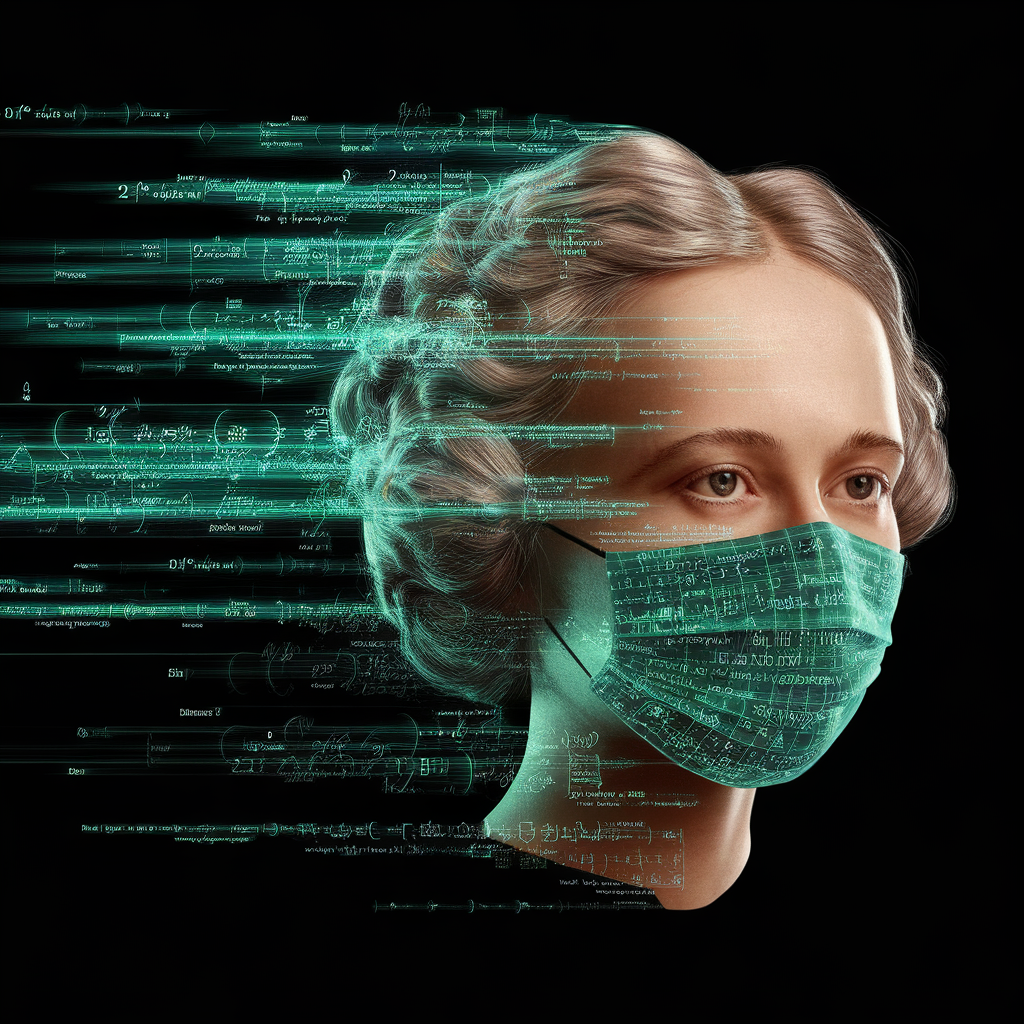
Ada Lovelace's face as a digital mask made from thousands of turquoise numbers and formulas forming his face. the formulas and numbers fly behind the mask leaving a trail of complexity. the mask is floating dynamically in mid air. his head is turned to the right but his eyes are looking directly into the camera. the mask is on a black background. like a png with black only background. photo realistic, sci-fi, human features hair
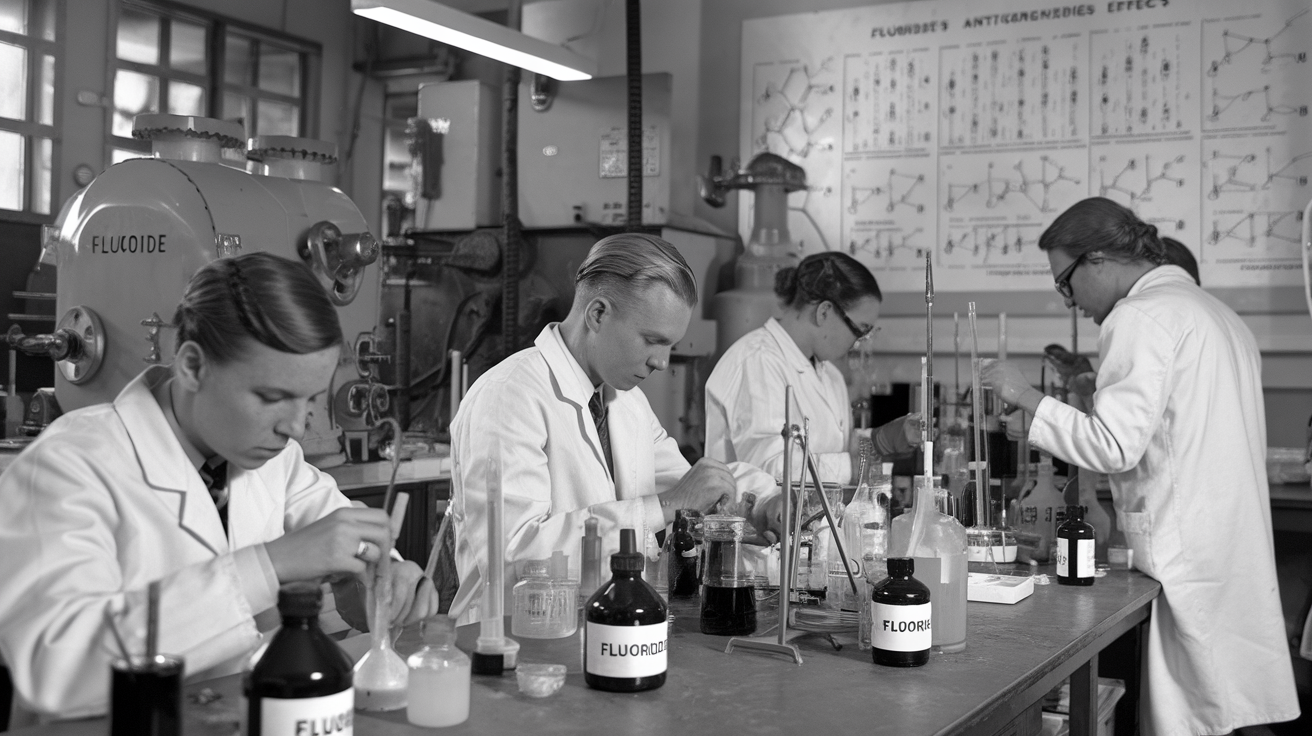
一张黑白照片,展示了一间20世纪50年代的化学实验室。几位科学家穿着白色实验服,专注地进行实验操作。桌面上摆放着各种试剂瓶和实验器具,其中一些瓶子上标有“氟化物”字样。背景中有大型的实验设备和墙上的化学结构图,代表着当时对氟化物防龋效果的研究
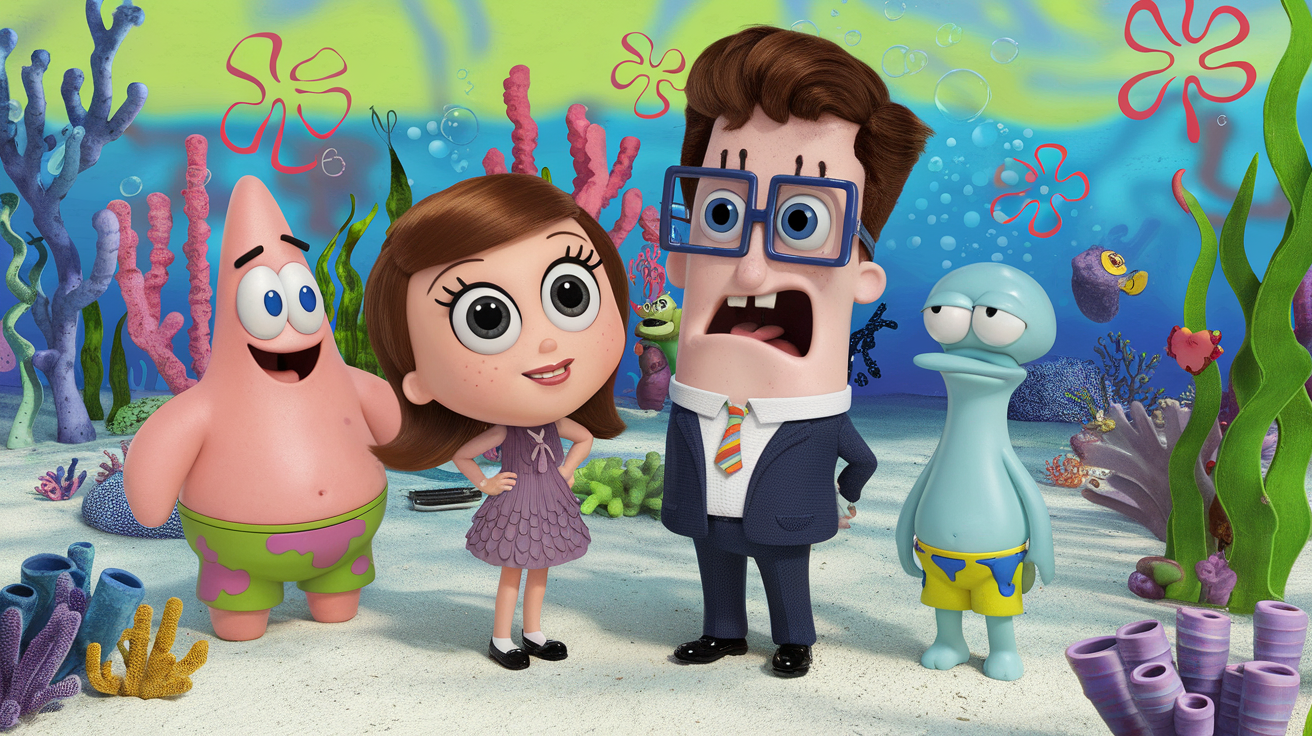
Cartoon scene in the style of SpongeBob SquarePants. In Bikini Bottom, a short girl with shoulder-length chestnut hair, black eyes, wearing a dress, stands next to a tall boy with chestnut hair, blue eyes, and square glasses, wearing a formal suit. They are talking with Patrick Star and Squidward. The background features colorful coral, sandy seabed, sea plants, bubbles, and other whimsical Bikini Bottom elements. Everyone looks expressive and animated. Style: bright, exaggerated, and fun cartoon — true to the SpongeBob SquarePants universe.
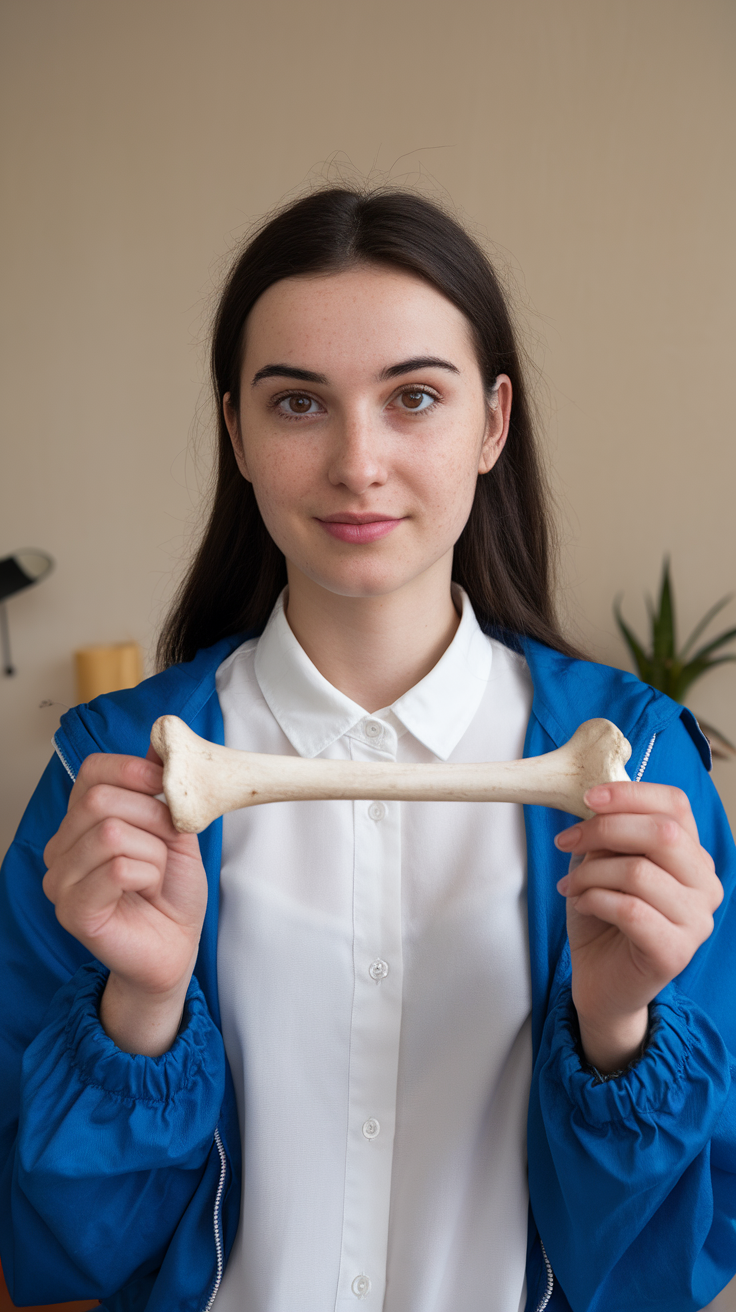
骨质流失
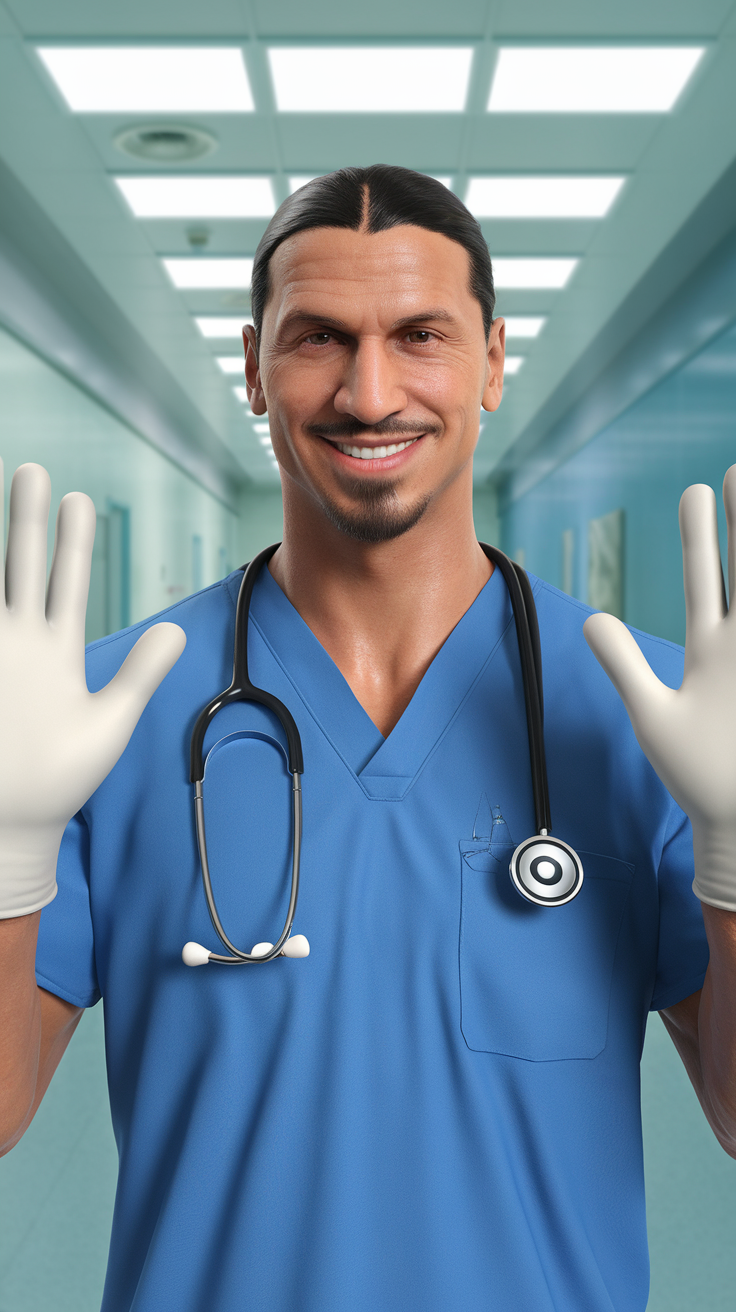
Create a hyper-realistic image of Zlatan Ibrahimovic wearing a blue surgeon doctor uniform with a stethoscope around his neck. He is smiling and holding both hands up, gesturing to introduce himself. Both hands are wearing white surgical gloves. The background shows the interior of a hospital with a clean and professional atmosphere."
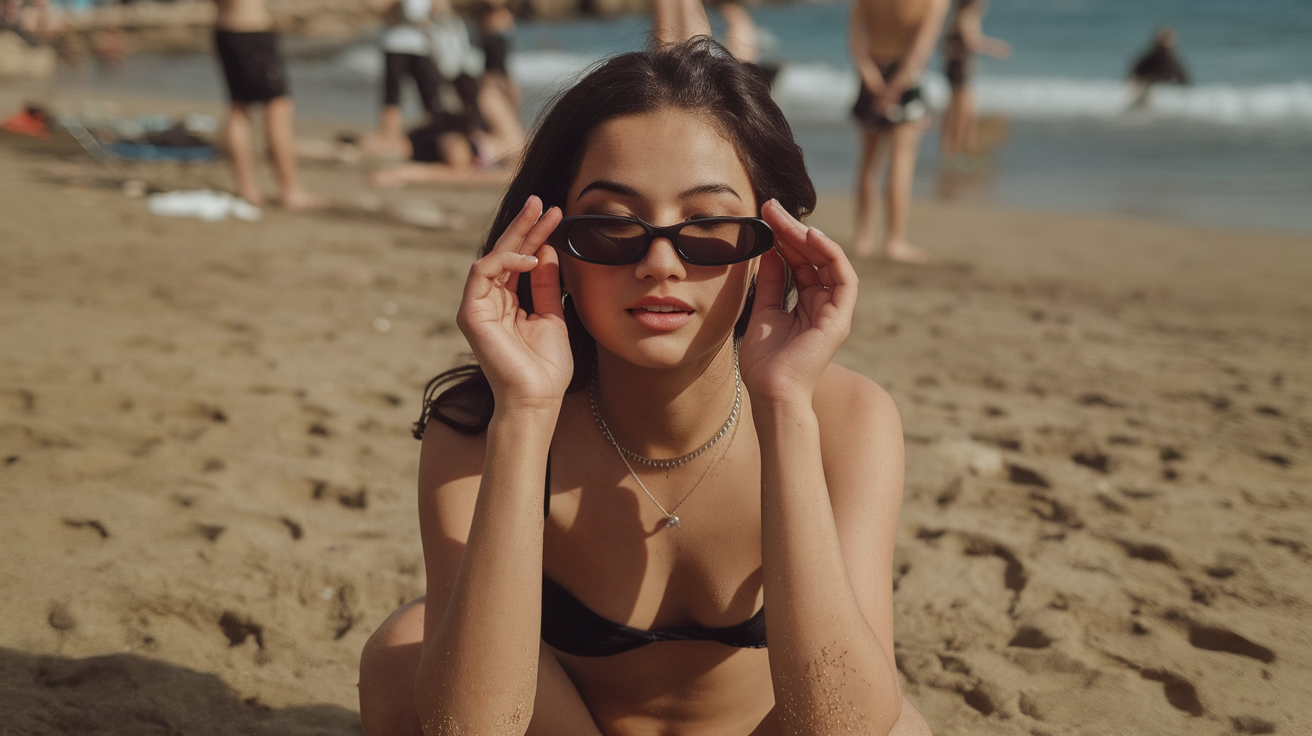
An ultra-realistic full body photograph of an adorably cute girl posing seductively on a nude beach, img_1045
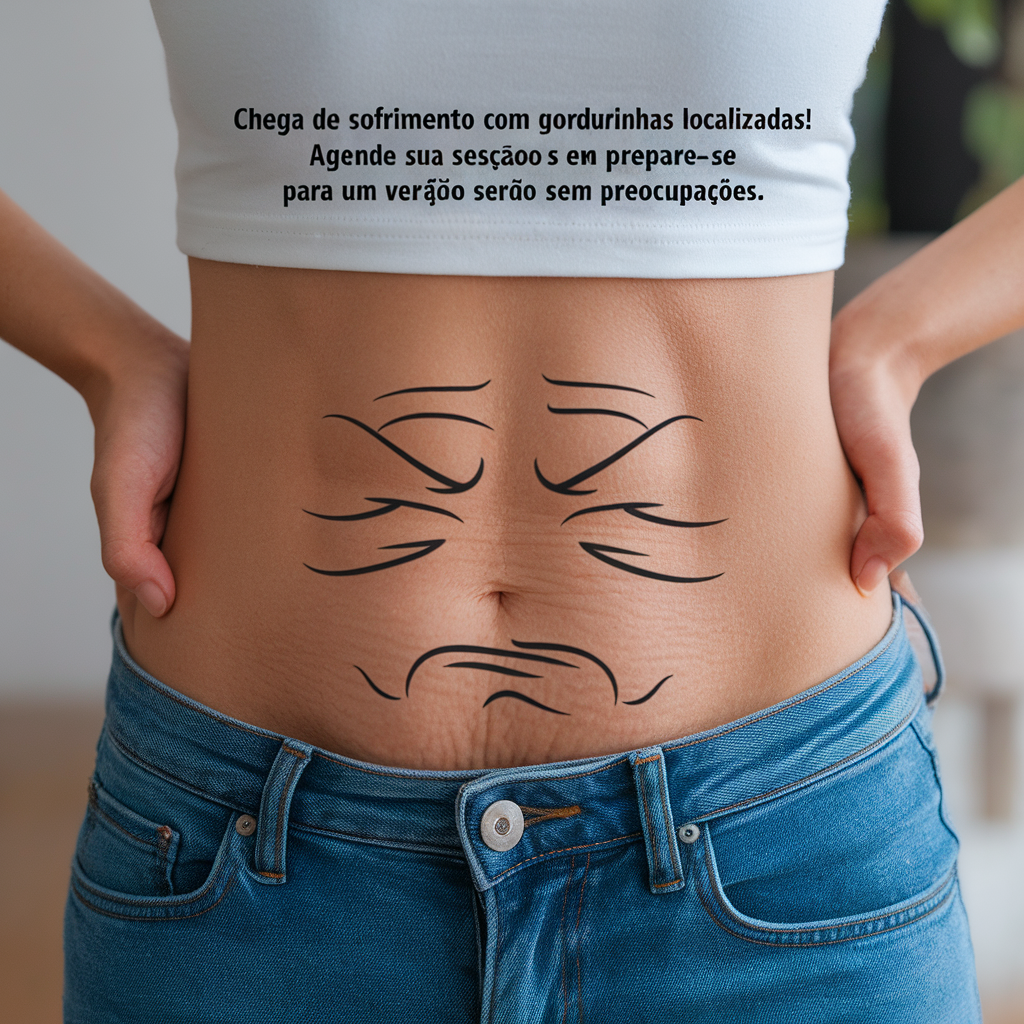
Uma barriga com uma expressão de cansaço e estresse desenhada com pregas de tecido, como se estivesse "esmagada". Texto: "Chega de sofrimento com gordurinhas localizadas! Agende sua sessão e prepare-se para um verão sem preocupações."
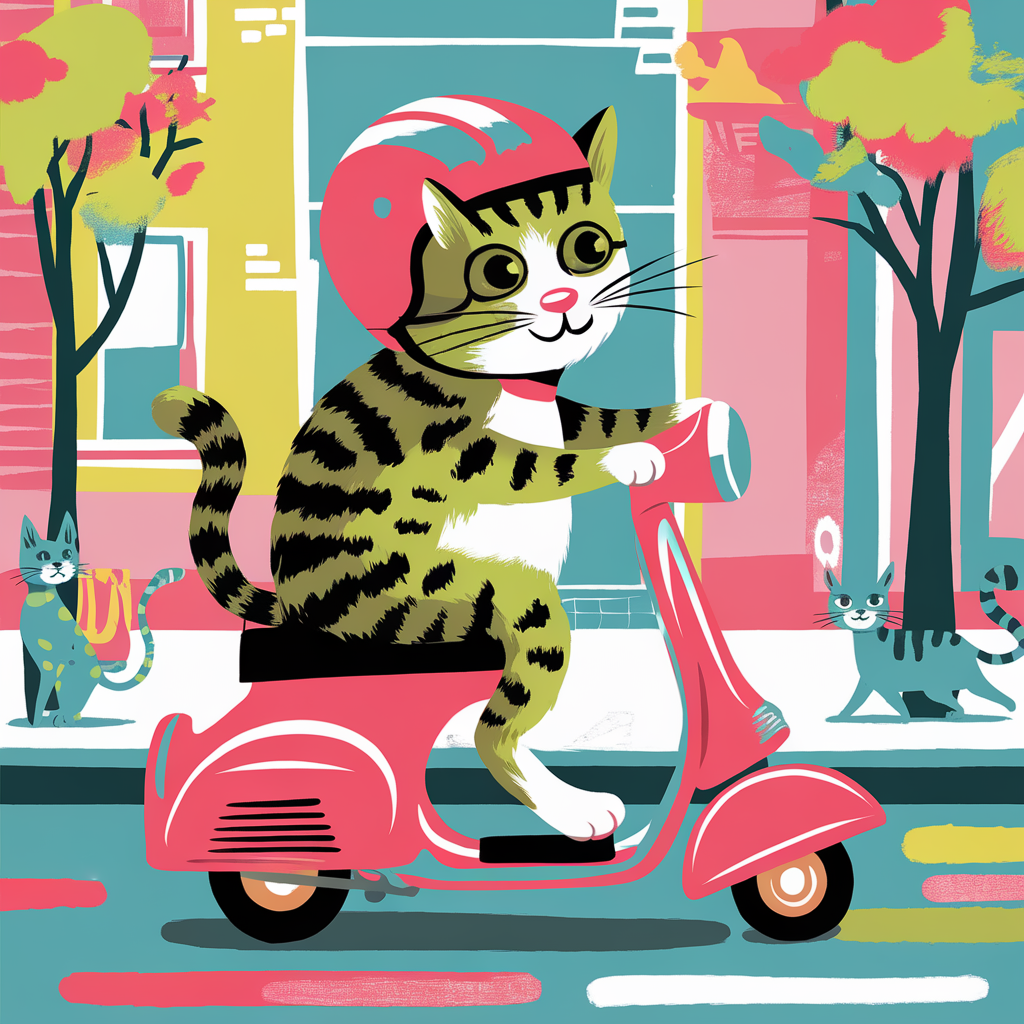
Draw a bright and colorful picture of a cat and a cat riding a scooter Scooter: a light, non-motorized vehicle with two small wheels, a narrow footrest and a vertical steering wheel. The driver stands on the running board and pushes forward, pushing off the ground with one foot. They're driving through the city
Ideogram 2.0 AI Image Generator


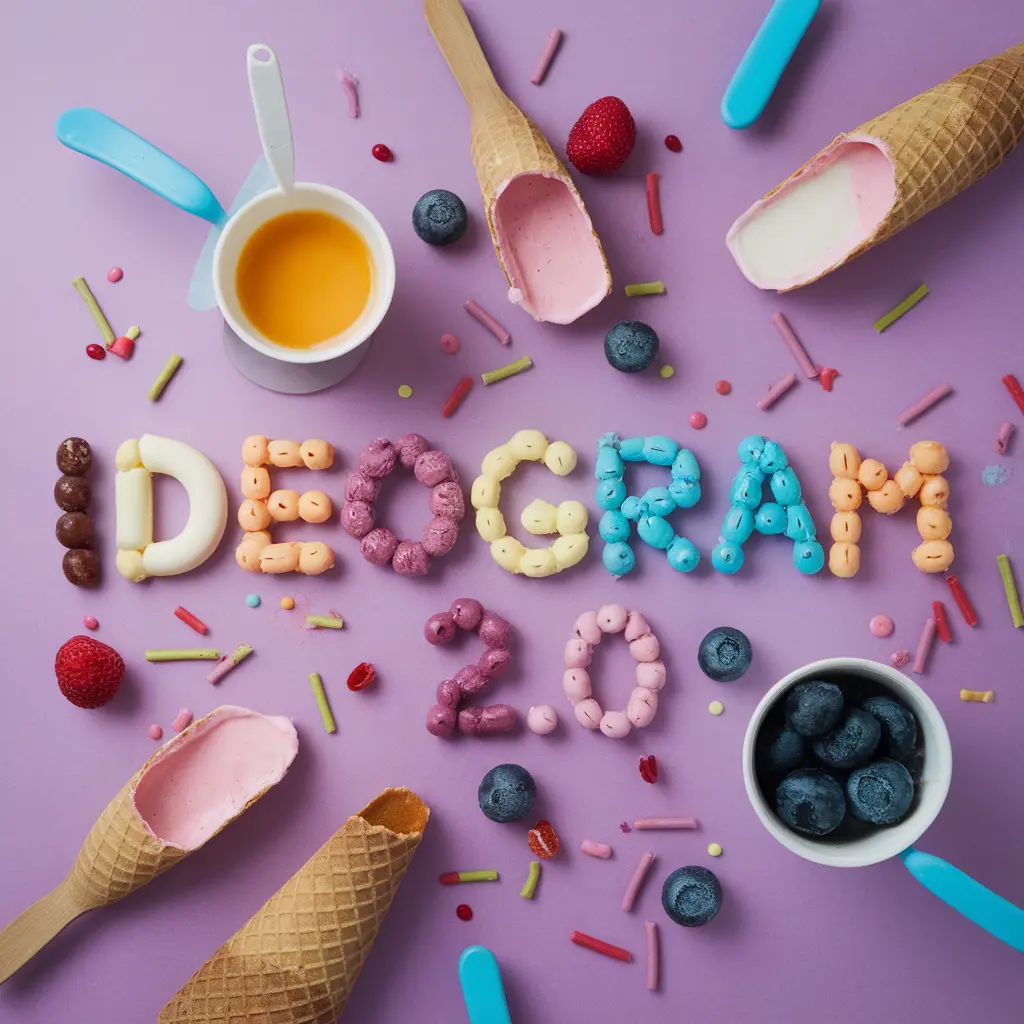
How to Create Stunning Designs with Ideogram 2.0?
Follow these steps to design professional visuals using Ideogram 2.0:
- Input your text or design prompt into Ideogram 2.0 and select your desired style, such as Logo, Poster, or Web Design.
- Customize the color palette and text rendering settings for precise control.
- Generate your design and refine it with additional prompts or adjustments.
Design Impactful Posters with Ideogram 2.0
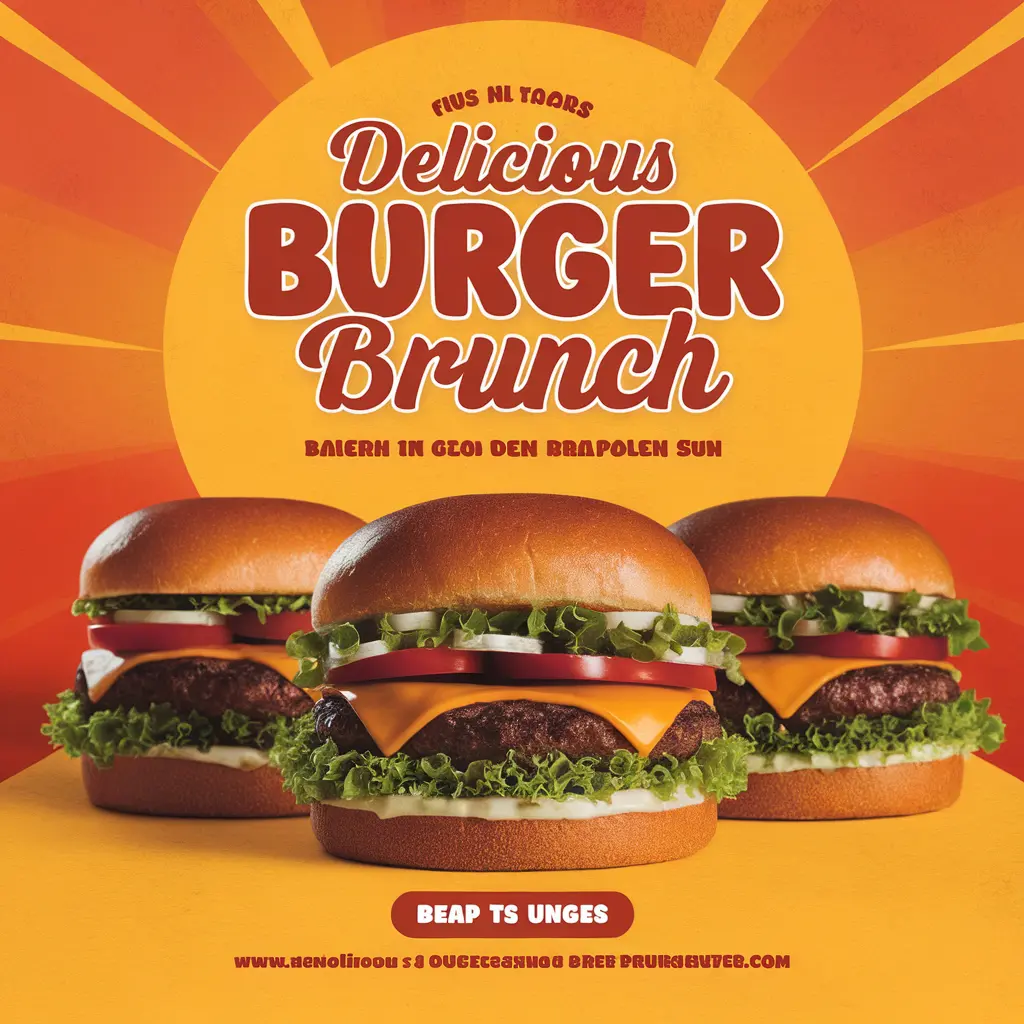
Ideogram 2.0 enables you to create visually striking posters with accurate text placement and customizable color schemes. Perfect for marketing, events, and promotions.
Frequently Asked Questions
What makes Ideogram 2.0 different from Midjourney?
Ideogram 2.0 stands out with its advanced text rendering and design capabilities, making it ideal for creating logos, posters, and web designs. While Midjourney excels in artistic and abstract imagery, Ideogram 2.0 offers more control over text and style, catering to professional design needs.
How does Ideogram 2.0 compare to DALL-E 3?
Ideogram 2.0 provides superior text rendering and design-focused features compared to DALL-E 3. While DALL-E 3 is known for creative and diverse image generation, Ideogram 2.0 excels in precise text placement and offers more styles, making it better suited for professional graphic design tasks.
Can Ideogram 2.0 be used for logo design?
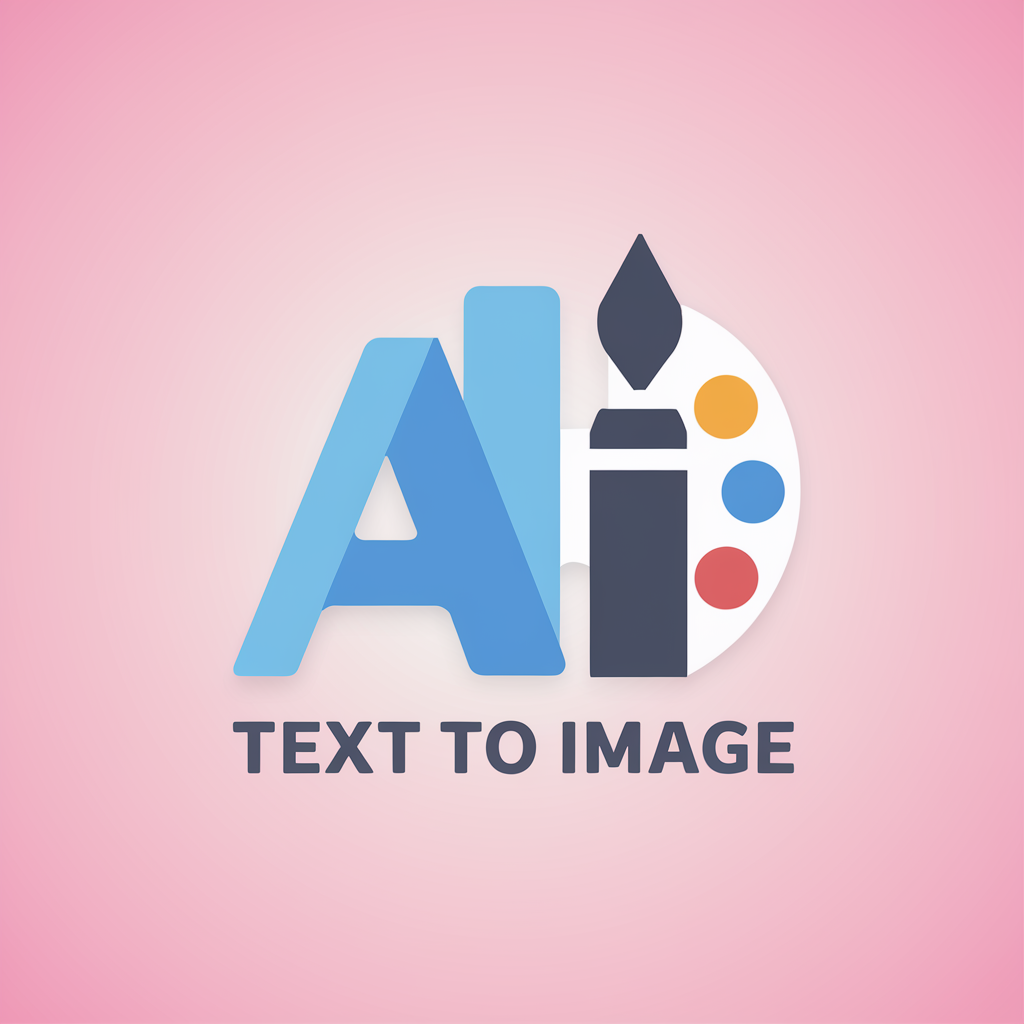
Absolutely! Ideogram 2.0 is designed to create high-quality logos with precise text rendering and customizable color palettes, making it a powerful tool for brand creation and identity design.
What styles are available in Ideogram 2.0?
Ideogram 2.0 offers five distinct styles: General, Realistic, Design, 3D, and Anime. Each style is tailored for specific creative needs, whether you’re looking to create realistic images, detailed designs, or vibrant anime-style illustrations.
Does Ideogram 2.0 offer an API?
Yes, Ideogram 2.0 provides an API in beta, allowing developers to integrate its powerful image generation capabilities into their applications. The API is competitively priced and offers superior image quality.
What is the Ideogram 2.0 iOS app?
The Ideogram 2.0 iOS app brings the platform’s powerful image generation features to mobile users, allowing you to create and design on the go. An Android version is also planned for future release.
How does Ideogram 2.0 handle text rendering?
Ideogram 2.0 excels in text rendering, offering precise control over typography in generated images. This makes it perfect for projects requiring clear, professional-grade text, such as posters, logos, and web designs.
Can Ideogram 2.0 be used for web design?
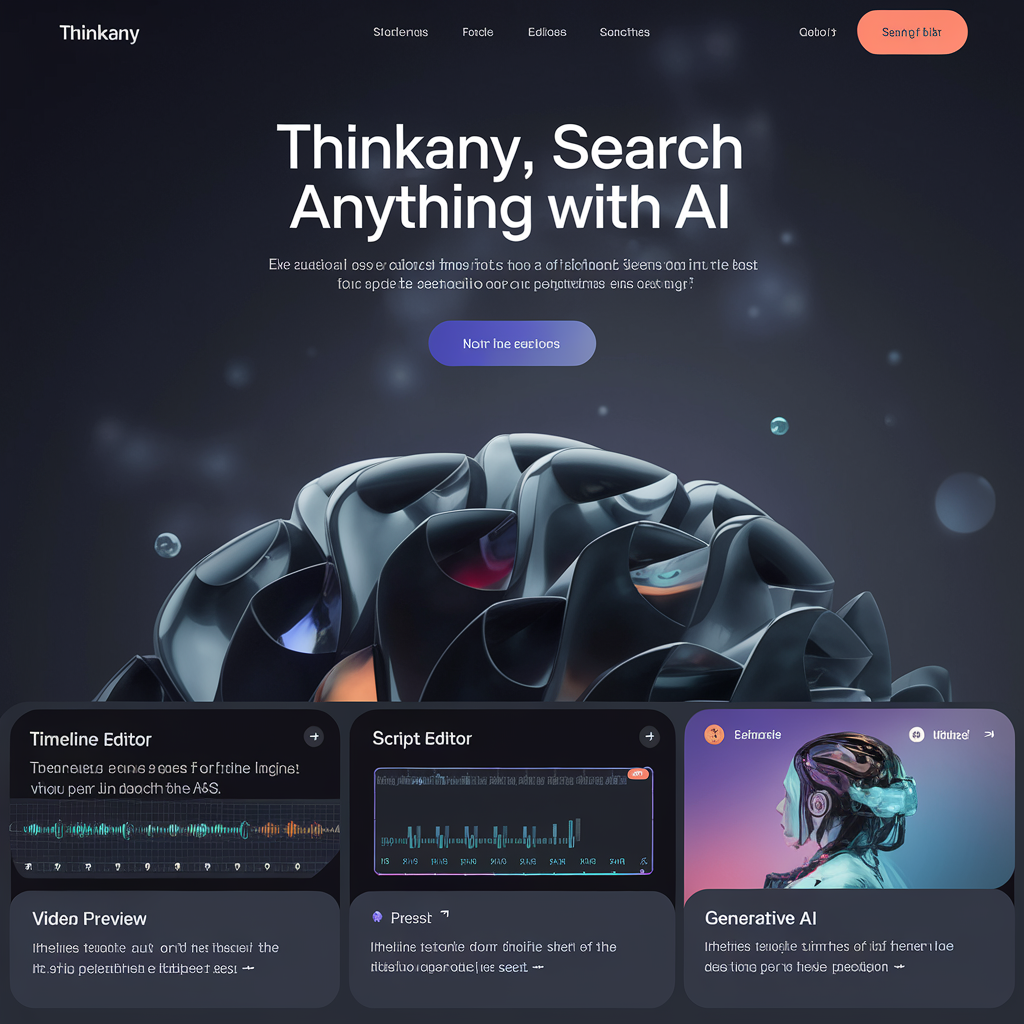
Yes, Ideogram 2.0 is ideal for web design, offering tools to create visually cohesive layouts with precise text and image control. It’s perfect for designing professional and attractive web pages.