FLUX.1 Image-to-Image Generator
Transform your images with the FLUX.1 Image-to-Image Generator. Powered by a 12 billion parameter transformer, this tool enables stunning modifications and enhancements based on detailed text prompts.
Generated Image
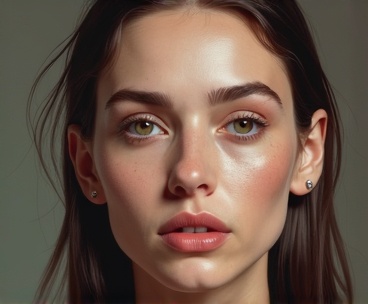
Preserve the exact facial structure, age, expression, and identity of the reference image. Do NOT change age, gender, or facial proportions. Transform the image into a subtle digital painting style, keeping realistic skin texture, natural imperfections, muted colors, painterly brush strokes, soft ambient lighting.
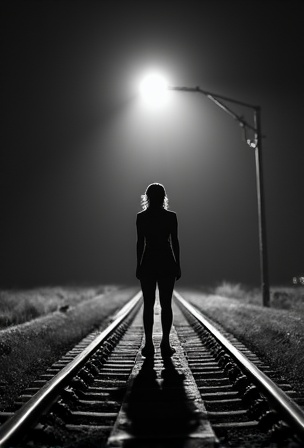
A black-and-white central compositioned closeup photo at night. The silhouette of a woman's wide spreaded legs stands with her back to the camera on railroad tracks, facing the background. A train spotlight from the background shines between her legs. dramatic backlit lighting
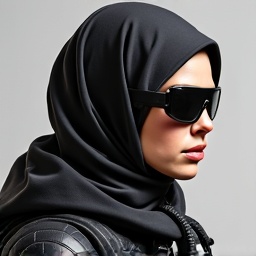
PROMPT: Photorealistic Conversion Use the uploaded image as a strict visual reference. Create a photographic, ultra-realistic portrait of a real human woman that matches the exact pose, head angle, facial orientation, framing, and composition of the reference image. The subject must be rendered as a real person photographed with a professional camera, not an illustration. Preserve exactly: Head tilt, gaze direction, and posture, Cropping, scale, and position in frame, Clothing design, armor structure, visor shape, and equipment layout, Hairstyle length, direction, and volume. Convert all elements to real-world materials: Skin with natural pores, fine wrinkles, subtle asymmetry, realistic subsurface scattering. Hair as individual strands with natural highlights. Optical eye piece as real optical material (tinted glass or polycarbonate) with believable reflections and thickness. Clothing and armor as real fabrics and composites (stitched seams, wear patterns, realistic stiffness) Lighting should resemble high-end studio portrait photography with soft but directional light, natural shadow falloff, realistic contrast, and accurate color response. Use a full-frame DSLR or cinema camera look, shallow depth of field, sharp focus on the face, natural lens perspective. The final result must look indistinguishable from a real photograph of a real person wearing real tactical/futuristic gear, while remaining perfectly faithful to the reference pose and design. NEGATIVE PROMPT:Do NOT stylize, cartoonize, illustrate, or beautify unrealistically. Avoid:CGI, 3D render look, game art, concept art, Anime, cyberpunk illustration style, painterly effects,Smooth plastic skin, waxy faces, airbrushed texture,Exaggerated facial symmetry or idealized proportions, Over-glow, neon lighting, rim-light outlines,Costume-like materials that look fake or foam-based, Changing the pose, camera angle, framing, or clothing design, Adding or removing accessories or armor details, No fantasy aesthetics. No illustration cues. No stylization. The image must read as a real photograph first, not a game character.
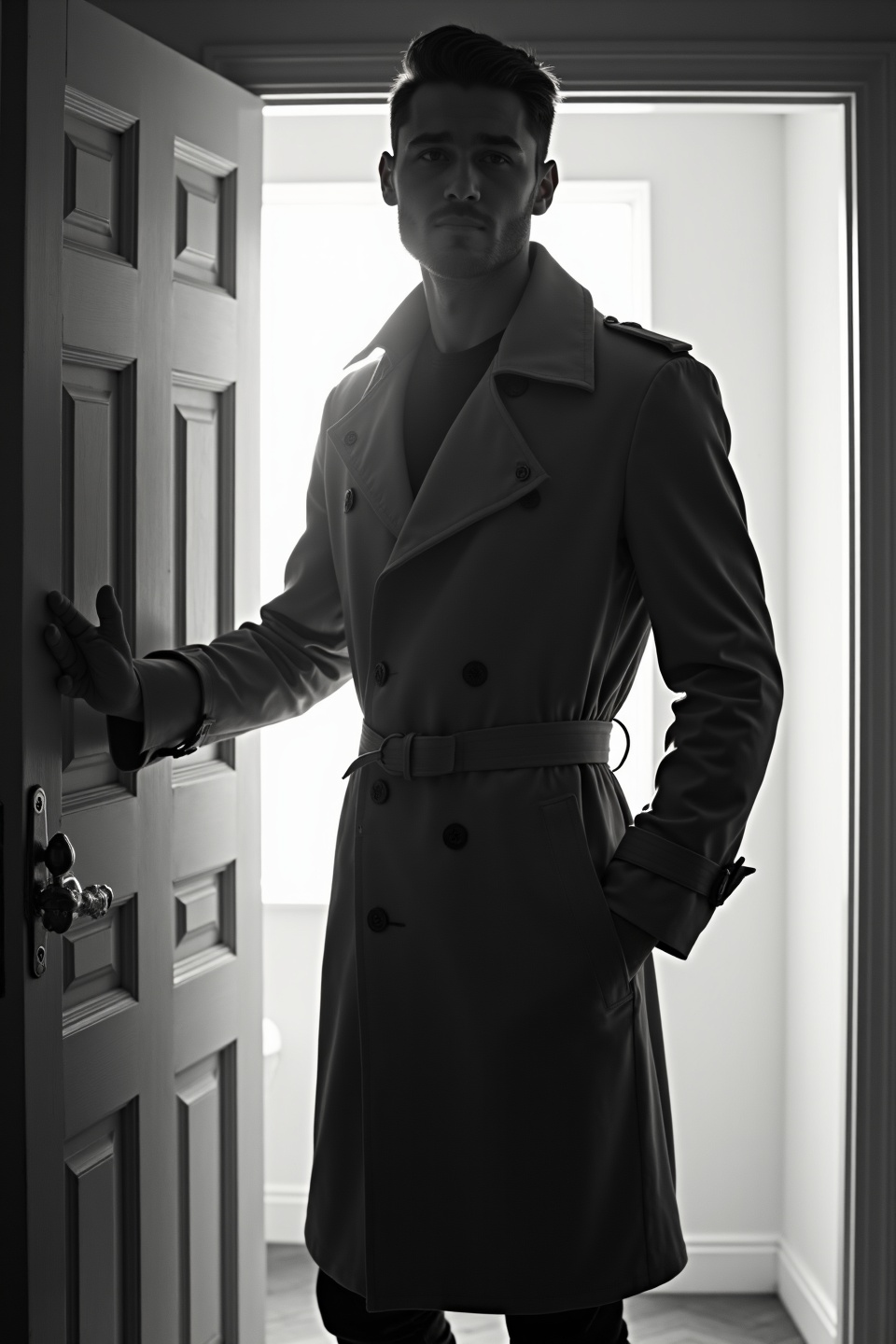
black-and-white photo with the backlit dark silhouette of a handsome broad-shouldered man in a trench coat standing in a doorway coming and looking to camera. The man touching the door, as if he just entered the room. God rays. Backlight
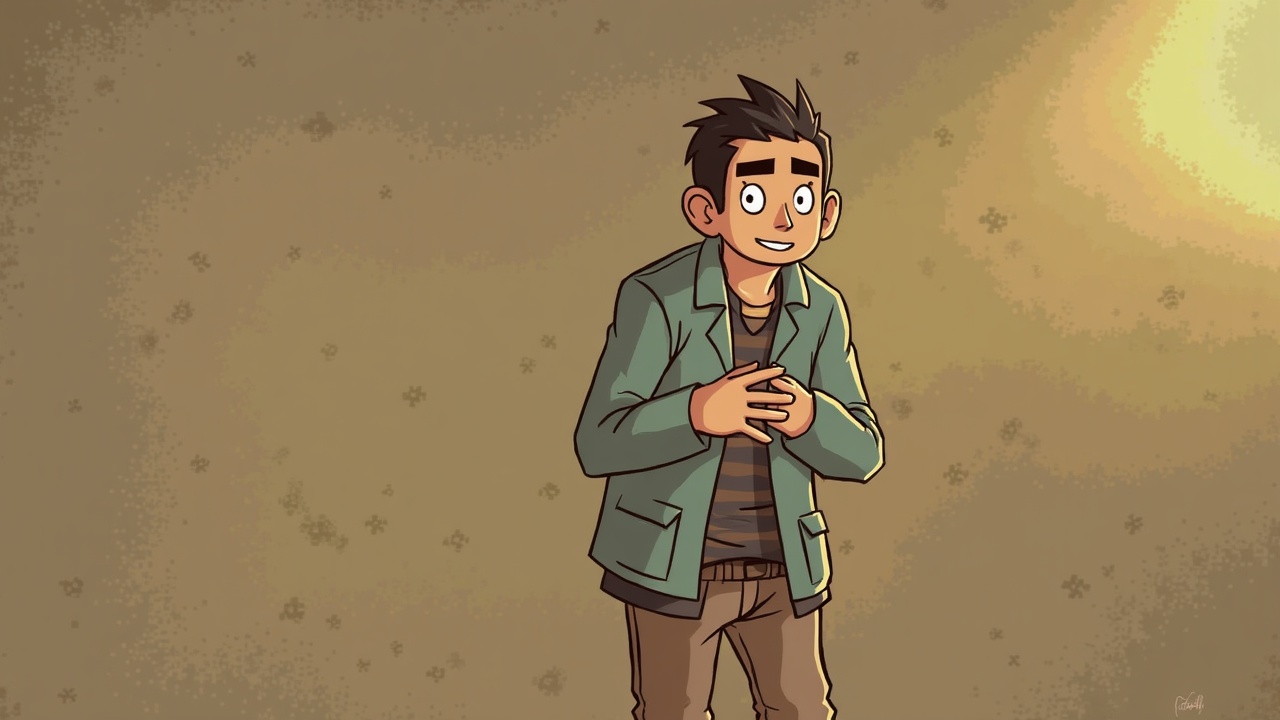
أريد أن تظهر عارضة الازياء و كأنها بدون لباس و يكون خصرها نحيف مع زيادة حجم الارداف و الأوراك الجذابة وتكون مرتدية حذاء الكعب العالي
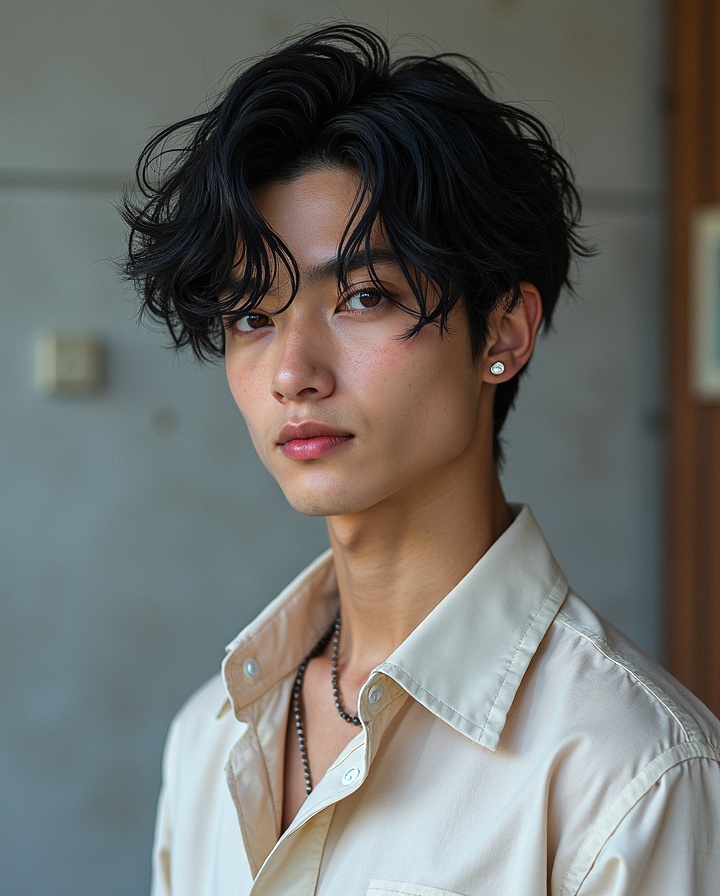
Agent "MoonHype" is a 21-year-old male VALORANT agent with wavy black hair and brown eyes. Known as the Moon God, he possesses extraordinary abilities including the 'Dimensional Eye' to perceive other dimensions, the 'Chrono-Clock' to manipulate and traverse time, the 'Interdimensional Gateway' to travel between realities, and the power of 'Creator Cloning'.
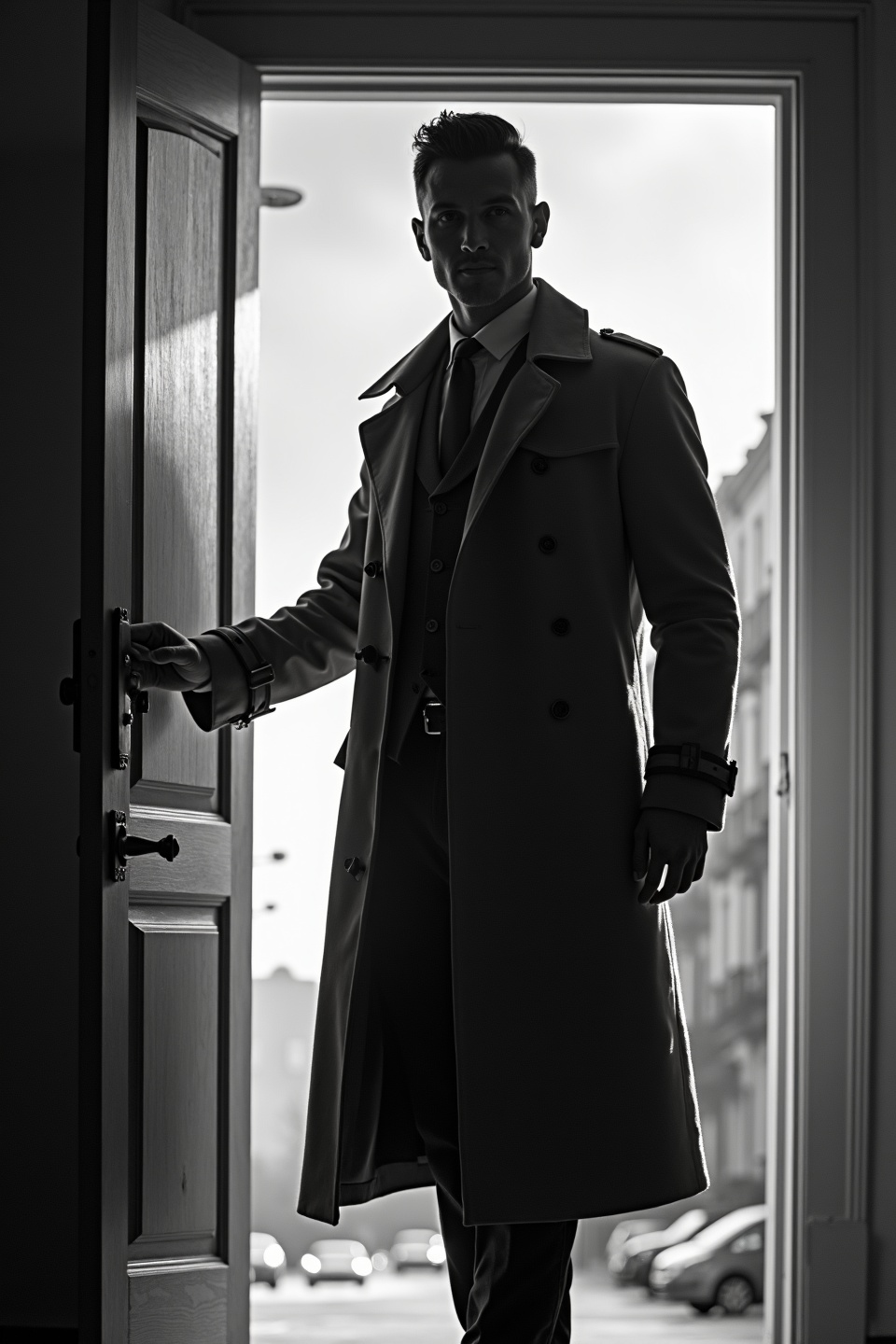
black-and-white photo with the backlit dark silhouette of a handsome broad-shouldered man in a trench coat standing in a doorway coming and looking to camera. The man touching the door, as if he just entered the room. God rays. Backlight. Overexposed street background

Completely and thoroughly remove the blue negligee she is wearing and holding Change the background and scenery so she is sitting on the edge of a full sized adult bed with her bare legs and feet dangling over the edge bent at the knees but not touching the floor. Pose her sitting upright with her arms behind her propping her up supporting her and her hands flat on the bed.
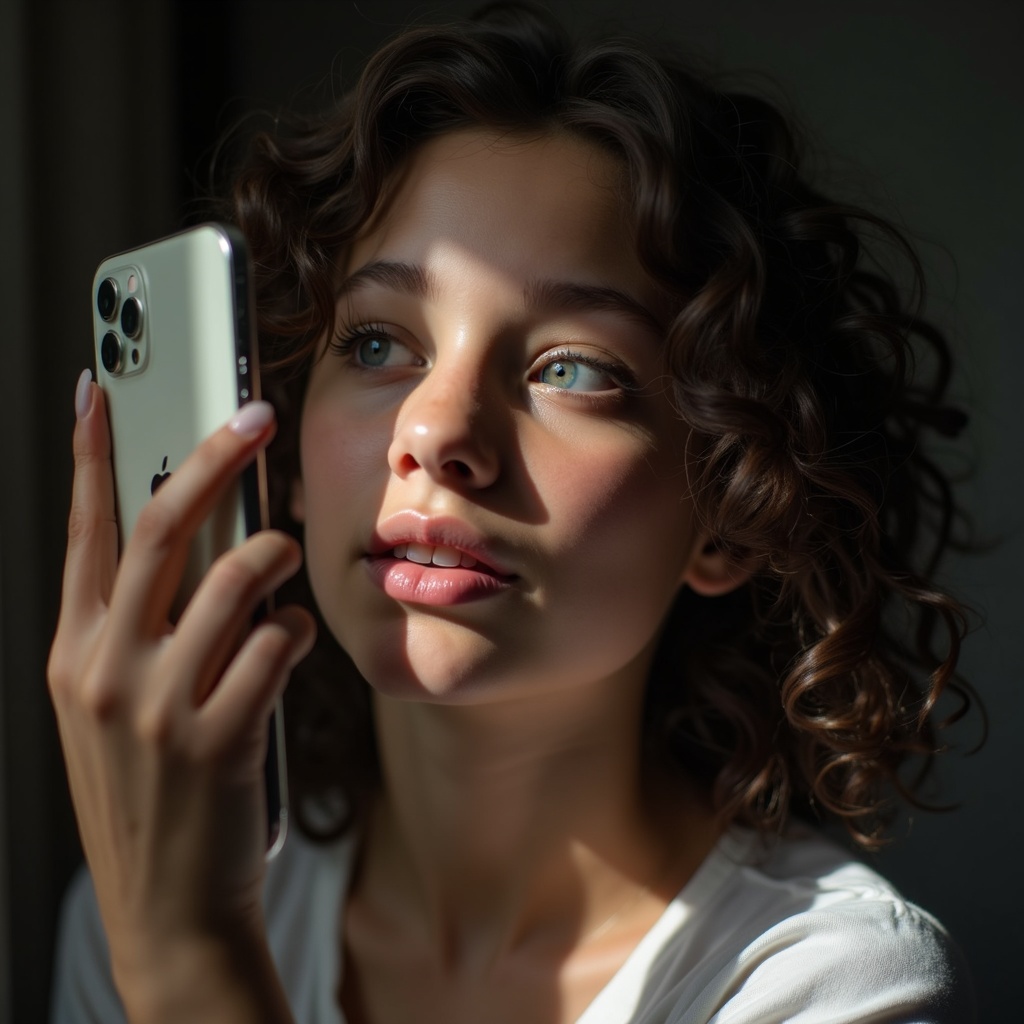
A close up of a skinny girl 16y with, standing in front of mirror. She raises her iPhone by one hand front of her face and singing while she is looking to the phone's display. Her curly dark brown hair falls gently around her shoulders. her face is behind the phone as she looks at the phone screen and sings while like dancing. Natural light from window. Front view. The light from the mobile phone falls on his face.
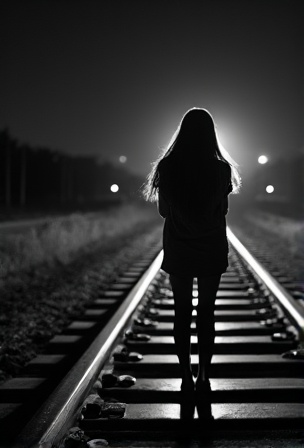
A black-and-white central compositioned closeup photo at night. The silhouette of a woman's legs stands with her back to the camera on railroad tracks, facing the background. A spotlight from the background shines between her legs. dramatic backlit lighting

How to Use FLUX.1 Image-to-Image Generator?
Follow these steps to transform and enhance your images with FLUX.1 Image-to-Image:
- Upload your image in PNG or JPG format, up to 2048 x 2048 pixels.
- Enter a descriptive text prompt detailing the changes or enhancements you want to apply.
- Adjust the model parameters, such as resolution and denoise level, to achieve your desired outcome.
Frequently Asked Questions
What is FLUX.1 Image-to-Image used for?
FLUX.1 Image-to-Image is used for transforming and enhancing images based on specific text descriptions. It’s perfect for photo editing, creative prototyping, and artwork refinement.
How does FLUX.1 Image-to-Image generate results?
FLUX.1 Image-to-Image uses a powerful transformer model that interprets your text prompts and applies detailed modifications to your uploaded image, generating high-quality outputs.
What image quality can I expect from FLUX.1 Image-to-Image?
FLUX.1 Image-to-Image delivers top-tier image quality with resolutions up to 2048 x 2048 pixels, providing highly realistic and detailed visuals.
Is FLUX.1 Image-to-Image suitable for commercial use?
Yes, FLUX.1 Image-to-Image is suitable for personal, scientific, and commercial use, offering flexible licensing for a wide range of applications.
What makes FLUX.1 Image-to-Image stand out?
FLUX.1 Image-to-Image stands out due to its advanced AI capabilities, allowing for precise and detailed image transformations that align closely with user prompts.
How can I achieve the best results with FLUX.1 Image-to-Image?
To achieve the best results, use clear and detailed prompts. Experiment with different parameters to refine the output according to your needs.