Генератор FLUX.1 Изображение в Изображение
Преобразуйте ваши изображения с помощью Генератора FLUX.1 Изображение в Изображение. Благодаря трансформатору с 12 миллиардами параметров, этот инструмент позволяет выполнять удивительные модификации и улучшения на основе детализированных текстовых подсказок.
Сгенерированное изображение

tengo una charla sobre cifrado de archivos con un personal de la compañía, en esta imagen requiero aparecer de perfil, soy caucásico de 1.76cm con un peso promedio de unos 62kg, trabajo en la parte de prevención y protección, asi que usamos color negro de base rojo para el logo de la empresa corpoelec y verde para resaltar las letras, debo verme de perfil sin nadie a mi lado

Zeige ihn einmal von jeder seite

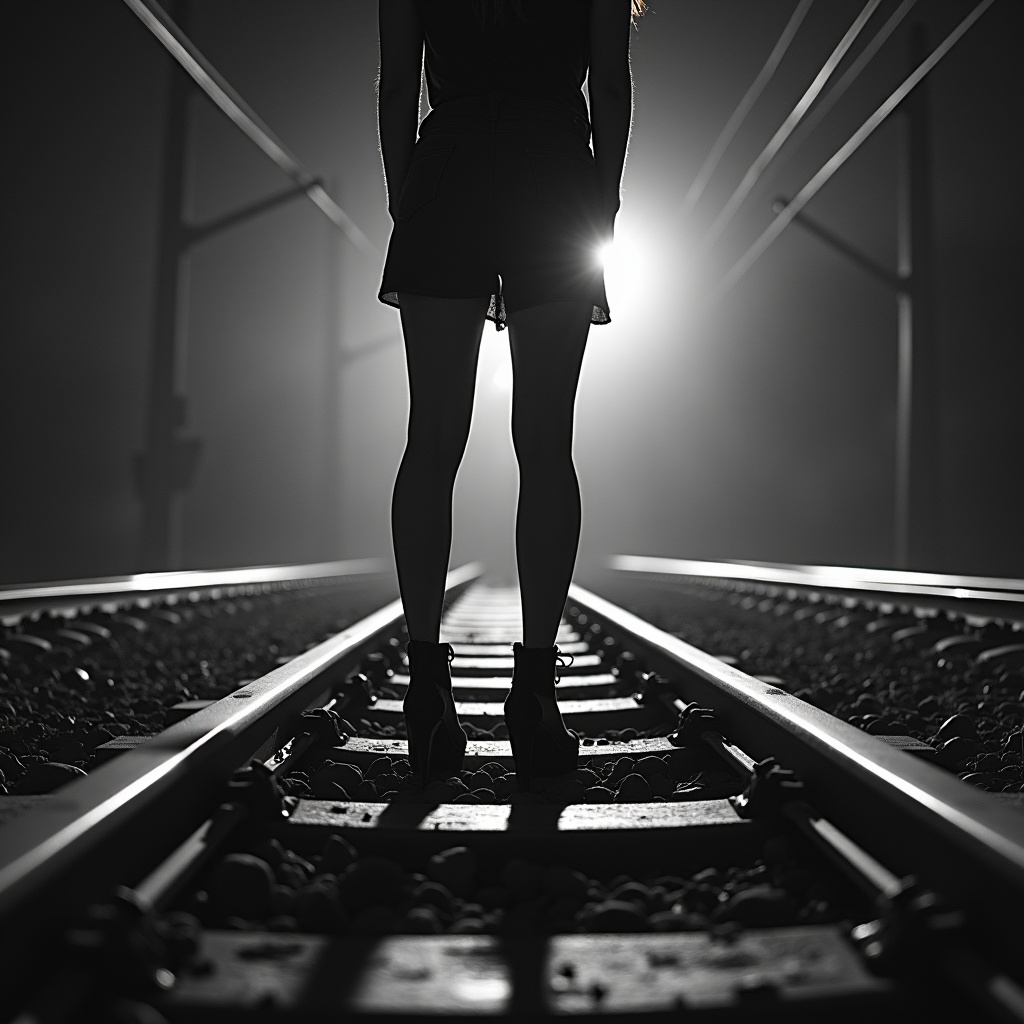
A black-and-white central compositioned closeup photo at night. The silhouette of a woman's wide spreaded legs stands with her back to the camera on railroad tracks, facing the background. A spotlight from the background shines between her legs. dramatic backlit lighting
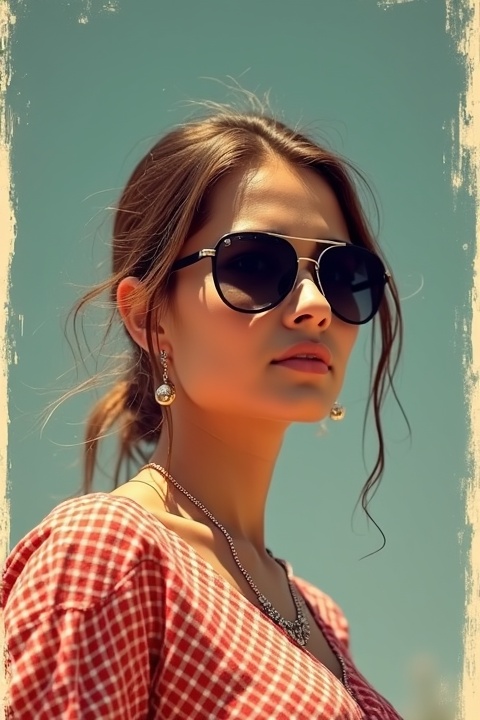
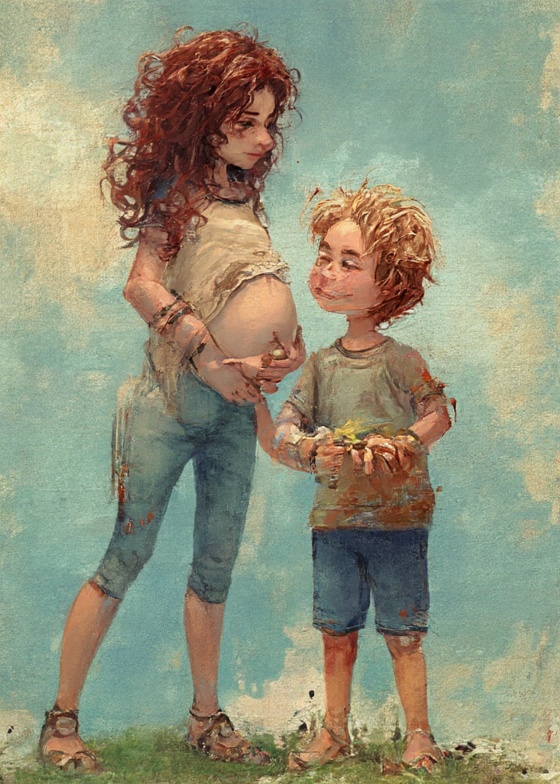
Transform this photo of a into a vibrant digital painting with intricate studded textures, high detail, soft lighting, realistic facial features

รถจักรไอน้ำญี่ปุ่นแปซิฟิก 838 srt train d51 srt cx50 srt cx50 no face black train srt d51 srt

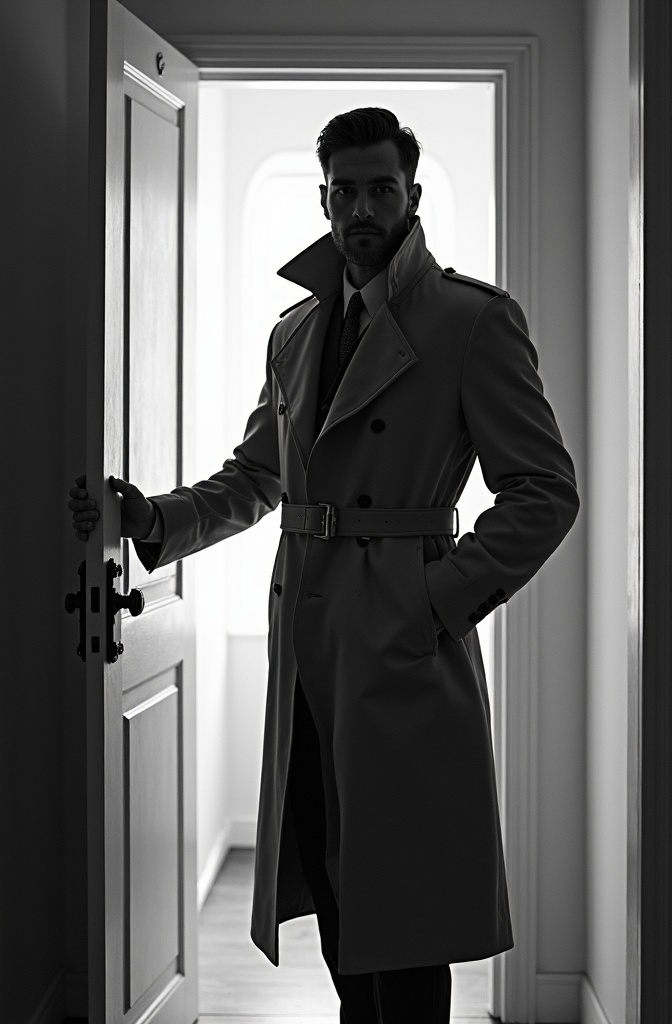
black-and-white photo with the backlit dark silhouette of a handsome broad-shouldered man in a trench coat standing in a doorway coming and looking to camera. The man touching the door, as if he just entered the room. God rays. Backlight. Overexposed street background

A rastafari person

The bnw silhouette of a woman's wide spreaded legs stands on railroad tracks. A train spotlight from the background shines between her legs.

Remove all clothing from image completely nude legs spread open feet showing

Design Guidelines for Kid-Friendly Learning App Use this guide to ensure every visual element — from characters to icons to backgrounds — is cohesive, child-friendly, and ready for screen-based animation. These principles must be followed for all illustrations, UI assets, and animations. 1. Clean Flat Vector Aesthetic Do this: • Use solid, flat colors only — no gradients, no shadows, no textures. • No outlines. Shapes should be clean and readable without strokes. • All shapes must be soft and rounded. No sharp corners or aggressive angles. Purpose: • Creates a friendly, safe, and screen-friendly appearance. • Ensures clarity and consistency on all screen sizes. 2. Color System Primary Colors (Main UI Elements, Highlights) 1. Fresh Green – RGB: (2, 157, 103) – Hex: #029d67 2. Sky Blue – RGB: (119, 188, 246) – Hex: #77bcf6 3. Sunshine Yellow – RGB: (250, 221, 62) – Hex: #fadd3e 4. Blush Pink – RGB: (246, 121, 122) – Hex: #f6797a 5. Peach Orange – RGB: (254, 206, 138) – Hex: #fece8a Accent Colors (Icons, Small UI Highlights) 6. Bubblegum Pink – RGB: (250, 137, 179) – Hex: #fa89b3 7. Leaf Green – RGB: (94, 204, 71) – Hex: #5ecc47 8. Turquoise – RGB: (63, 179, 236) – Hex: #3fb3ec 9. Tangerine – RGB: (255, 145, 66) – Hex: #ff9142 10. Citrus Lime – RGB: (143, 202, 63) – Hex: #8fca3f 11. Coral Red – RGB: (204, 55, 59) – Hex: #cc373b 12. Pumpkin Orange – RGB: (233, 107, 28) – Hex: #e96b1c 13. Electric Purple – RGB: (97, 62, 232) – Hex: #613ee8 14. Berry Purple – RGB: (210, 50, 190) – Hex: #d232be 15. Seafoam Green – RGB: (34, 181, 115) – Hex: #22b573 16. Flamingo Pink – RGB: (255, 113, 206) – Hex: #ff71ce Neutral / Background Color 17. Pure White – RGB: (255, 255, 255) – Hex: #ffffff 18. Charcoal Black – RGB: (0, 0, 0) – Hex: #000000 19. Cool Gray – RGB: (246, 246, 246) – Hex: #f6f6f6 20. Soft Lavender – RGB: (240, 173, 234) – Hex: #f0adea Structural / Environment Colors (Houses, Mountains, Natural Shapes) 21. Brick Red – RGB: (204, 55, 59) – Hex: #cc373b 22. Earth Brown – RGB: (140, 101, 46) – Hex: #8c652e 23. Royal Blue – RGB: (63, 72, 204) – Hex: #3f48cc 24. Eggplant Purple – RGB: (118, 66, 138) – Hex: #76428a 25. Lemon Cream – RGB: (255, 255, 128) – Hex: #ffff80 Rules: • Colors must be bright and high-saturation. • Ensure strong contrast between foreground and background for accessibility. • Do not use gradients, shadows, or lighting effects. • Use layering to imply depth — not realism. 3. Emotionally Expressive Characters Character Style: • Use chibi proportions: Big heads, small bodies. • Simplify anatomy: No fingers, necks, or detailed joints. • Faces must show clear, exaggerated emotions using: ◦ Wide eyes ◦ Thick eyebrows ◦ Open mouths Design with Personality: • Characters should have distinct moods: ◦ e.g., Character 1 always looks bored or skeptical. ◦ Character 2 might always look excited or curious. Consistency: • Maintain a unique silhouette for each character. • Stick to flat color blocks and geometric forms. 4. Geometric Design Rules Use geometric primitives: • Circles: Heads, eyes, cheeks, hands • Rounded rectangles: Limbs, torsos • Triangles (simplified): Hair spikes, ears, tails Layout rules: • Use centered symmetry for balance and harmony. • Keep designs pixel-perfect — optimized for mobile and tablet. 5. Modular & Animation-Ready Build assets for reuse: • Design facial features (eyes, mouths, brows) on separate layers. • Keep limbs, accessories, and props modular. • Build characters with rig-friendly layering (for use in Lottie or After Effects). UI Integration: • Every illustration must work within screen layouts (buttons, menus, instructional cards). • Avoid overly wide or tall characters that don’t fit standard containers. 6. Educational Reinforcement through Visuals Design with purpose: • Illustrations must clarify language concepts. ◦ e.g., A pig eating an apple for the sentence “The pig eats an apple.” • Props like books, food, and flags must be instantly recognizable, using the same flat vector style. Icons: • Follow the same color and shape rules. • Keep icons simple and functional — never more than 2–3 elements. Do NOT Use Element Reason Gradients or shadows Breaks minimalist, child-friendly look Thin outlines or sketch lines Reduces clarity on screens Realistic textures or proportions Not engaging or necessary for learning Overly complex characters Harder to animate and recognize Recommended Tools • Illustration: Inkscape Summary – Follow These Rules Every Time Design Element Rule Form Flat, soft-rounded, geometric Color Bright, bold, no gradients Characters Chibi-style, expressive, simplified Function Modular, animation-ready, screen-first Mood Cheerful, supportive, child-safe Always ask yourself: “Is this fun, readable, and clear for a 5-year-old?” If not — simplify more. The design must focus on large, inviting, easily tappable elements. Users have less precise motor control, so visual clarity, big targets, and playful proportions are essential. Here’s a tailored guideline based on tablets (iPads and Android), accounting for common screen sizes (7″ to 13″) and PPI (150–326): Object Size Guidelines for Kids Learning Apps (Tablet-Specific) UI/Game Element Suggested Size (dp) Notes / Justification Main Character 120–160 dp Friendly, big enough to feel alive and visible in story scenes Tap Targets (e.g. letters, buttons, animals) ≥72 dp (ideal: 96–128 dp) Google recommends 48 dp minimum; for kids, 72+ dp is much safer Doors / Slide Entrances 150–200 dp height Symbolically large, triggers curiosity; sized for touch and animation Tiles (matching cards, grid) 96–128 dp square Easy tap zones for games like drag-drop, matching Coins / Stars / Icons 64–96 dp Slightly exaggerated visual feedback, avoids eye strain HUD Buttons (back, skip) 72–96 dp Visible even if in corners, still tappable by small fingers Letters / Word Cards 128–160 dp width Prioritize recognition and interaction; large font (32–48 sp) Story Slide Images Match 70–80% width of screen, height proportionally adjusted Avoid clutter; focus user attention on one subject per slide Layout Design Notes • Spacing between tappable elements should be at least 24–32 dp to avoid accidental taps. • Use large margins (~48 dp) around content to prevent screen edge touches from failing. • Maintain aspect ratios: design with 4:3 or 16:10 safe areas, avoid edge pinning. Interaction Guidelines • Make all animations & touch effects oversized and playful (e.g., characters bounce, grow on touch) • Use high-contrast flat colors (from your design guide palette) • Use visual cues, not just text (e.g., an apple image with the letter “A”) Example Sizes in Practice Imagine a story slide in Duo ABC-style UI: Element Size Main character 140 dp tall Friend / Animal 120 dp Tree / Door 160–180 dp height Letter card 128×96 dp Next button 96 dp These values will feel natural on both: • iPad 10.9” @ 2360×1640 (264 ppi) • Android 10” @ 1920×1200 (220 ppi) Summary • Design large, bold, spaced UI—ideal for small hands and attention spans. • Target size for tap elements: 96–128 dp • Use scalable vector assets or multiple PNG resolutions • Keep character sizes between 120–160 dp • Always test on 4:3 and 16:10 tablets
Как использовать Генератор FLUX.1 Изображение в Изображение?
Следуйте этим шагам, чтобы преобразовать и улучшить ваши изображения с помощью FLUX.1 Изображение в Изображение:
- Загрузите ваше изображение в формате PNG или JPG с разрешением до 2048 x 2048 пикселей.
- Введите детализированное текстовое описание изменений или улучшений, которые вы хотите применить.
- Настройте параметры модели, такие как разрешение и уровень удаления шума, для достижения желаемого результата.
Часто задаваемые вопросы
Для чего используется FLUX.1 Изображение в Изображение?
FLUX.1 Изображение в Изображение используется для преобразования и улучшения изображений на основе конкретных текстовых описаний. Это идеально подходит для редактирования фотографий, создания прототипов и совершенствования произведений искусства.
Как FLUX.1 Изображение в Изображение генерирует результаты?
FLUX.1 Изображение в Изображение использует мощную трансформаторную модель, которая интерпретирует ваши текстовые подсказки и применяет детализированные изменения к загруженному изображению, создавая высококачественные результаты.
Какое качество изображения я могу ожидать от FLUX.1 Изображение в Изображение?
FLUX.1 Изображение в Изображение обеспечивает высококачественные изображения с разрешением до 2048 x 2048 пикселей, предоставляя очень реалистичные и детализированные визуальные эффекты.
Подходит ли FLUX.1 Изображение в Изображение для коммерческого использования?
Да, FLUX.1 Изображение в Изображение подходит для личного, научного и коммерческого использования, предлагая гибкие лицензии для широкого спектра приложений.
Что делает FLUX.1 Изображение в Изображение особенным?
FLUX.1 Изображение в Изображение выделяется благодаря своим продвинутым возможностям ИИ, позволяя осуществлять точные и детализированные преобразования изображений, которые точно соответствуют пользовательским подсказкам.
Как я могу достичь наилучших результатов с FLUX.1 Изображение в Изображение?
Для достижения наилучших результатов используйте четкие и детализированные подсказки. Экспериментируйте с различными параметрами, чтобы уточнить результат в соответствии с вашими потребностями.