FLUX.1 图像转图像生成器
使用FLUX.1 图像转图像生成器转换您的图像。凭借120亿参数的转换器,该工具能够根据详细的文字提示进行令人惊叹的修改和增强。
生成的图像
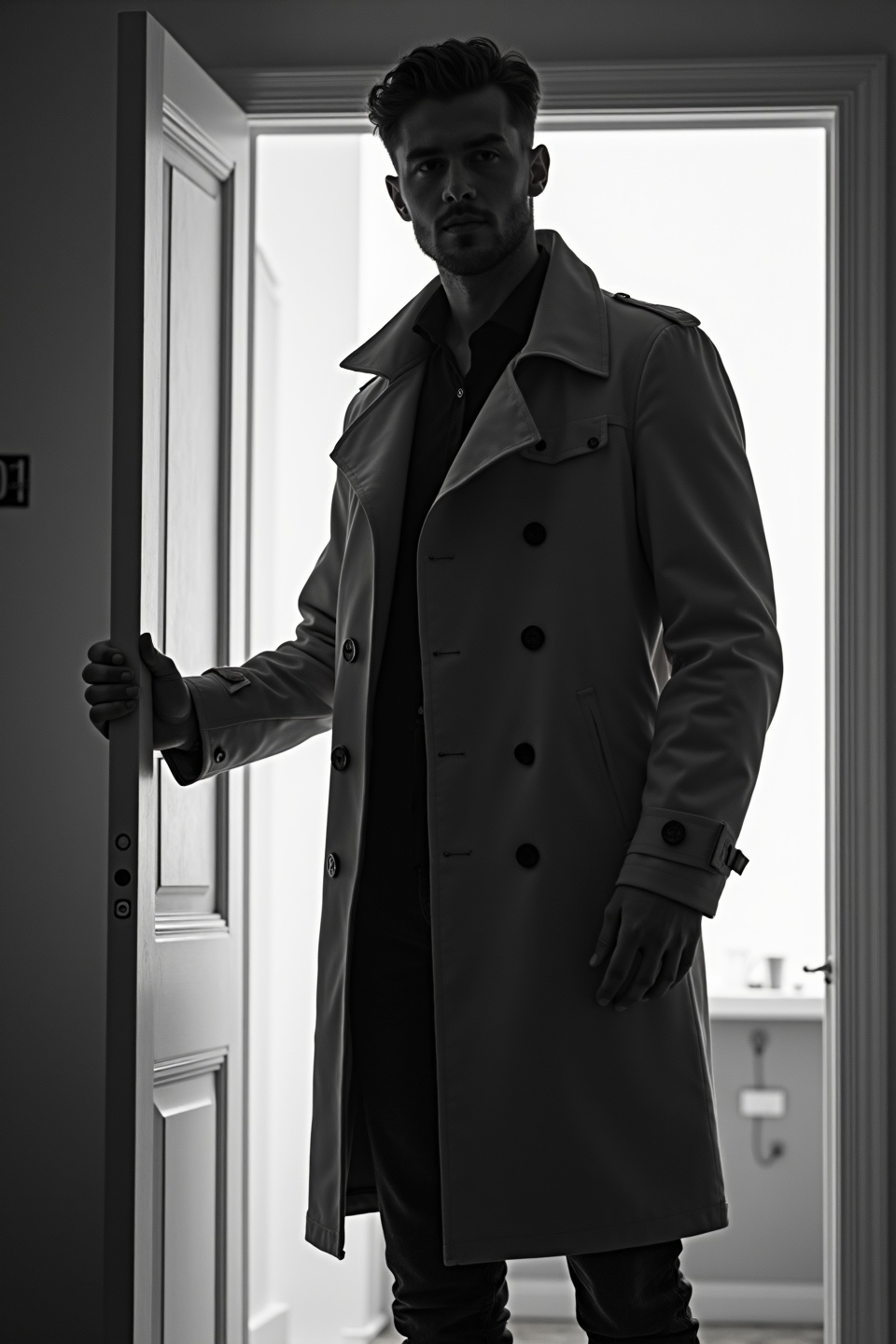
black-and-white photo with the backlit dark silhouette of a handsome broad-shouldered man in a trench coat standing in a doorway coming and looking to camera. The man holding the door, as if he just entered the room. God rays. Backlight

tengo una charla sobre cifrado de archivos con un personal de la compañía, en esta imagen requiero aparecer de perfil, soy caucásico de 1.76cm con un peso promedio de unos 62kg, trabajo en la parte de prevención y protección, asi que usamos color negro de base rojo para el logo de la empresa corpoelec y verde para resaltar las letras, debo verme de perfil
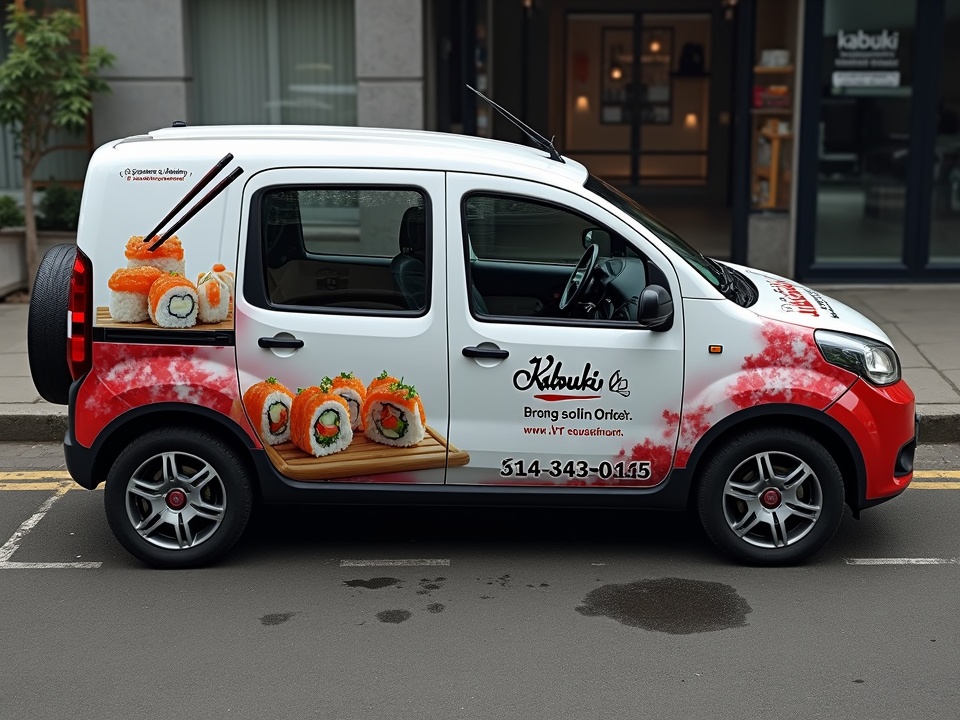
A striking image of a white Fiat Panda adorned with a bold, award-winning advertisement for 'Kabuki', a renowned sushi bar and restaurant. The advertisement showcases a delectable sushi roll artfully gripped by chopsticks, creating a sense of culinary delight. The vehicle's minimalist white background highlights the vibrant advertisement, while the contact details, including a phone number, are clearly visible for easy access. The overall effect is a harmonious blend of urban street style and Japanese culinary culture. Front View: The front of the mercedes sprinter is predominantly red with a black grille and bumper. Side View: The side of the white Fiat Panda Rear View: The rear of the white Fiat Panda Top-Down View: This view shows the overall layout of the wrap design, emphasizing the transition of colors and the placement of the graphics and text. The design is interesting and relevant as it showcases a professional and eye-catching vehicle wrap that effectively advertises the company’s services and contact information. The use of bold colors and clear graphics ensures high visibility and brand recognition.
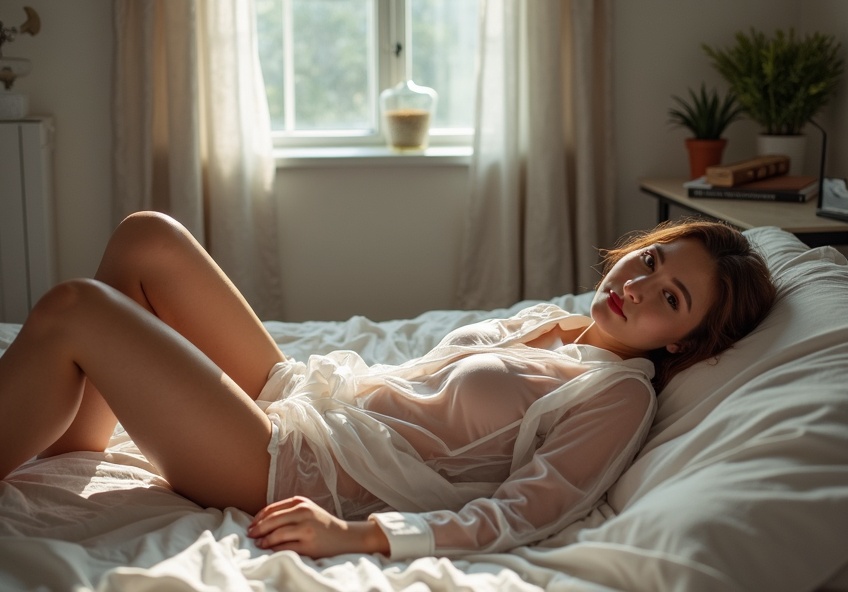
I want to lie on the bed on my back while wearing transparent pajamas and looking towards the camera.
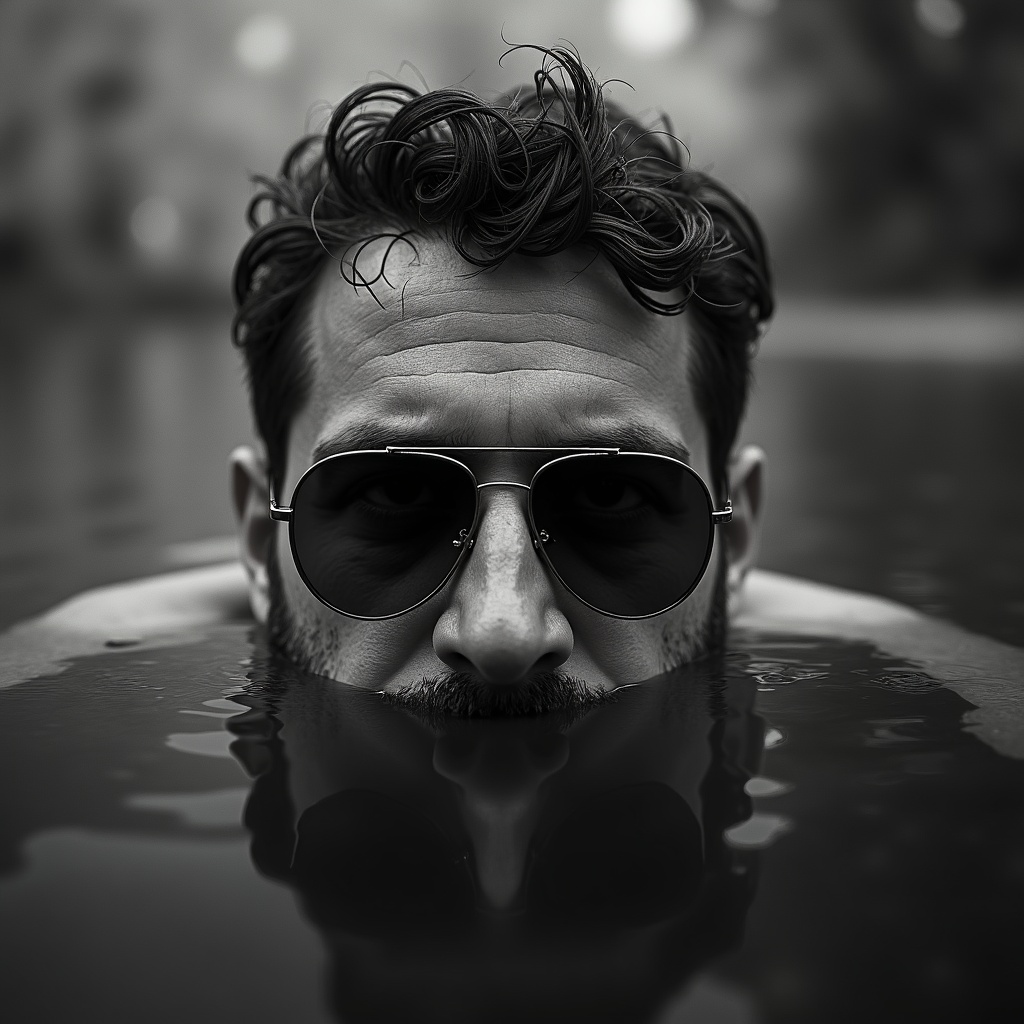
A black and white photo of a man's head just above dark water, sunglasses partially submerged. The camera is low, parallel to the water
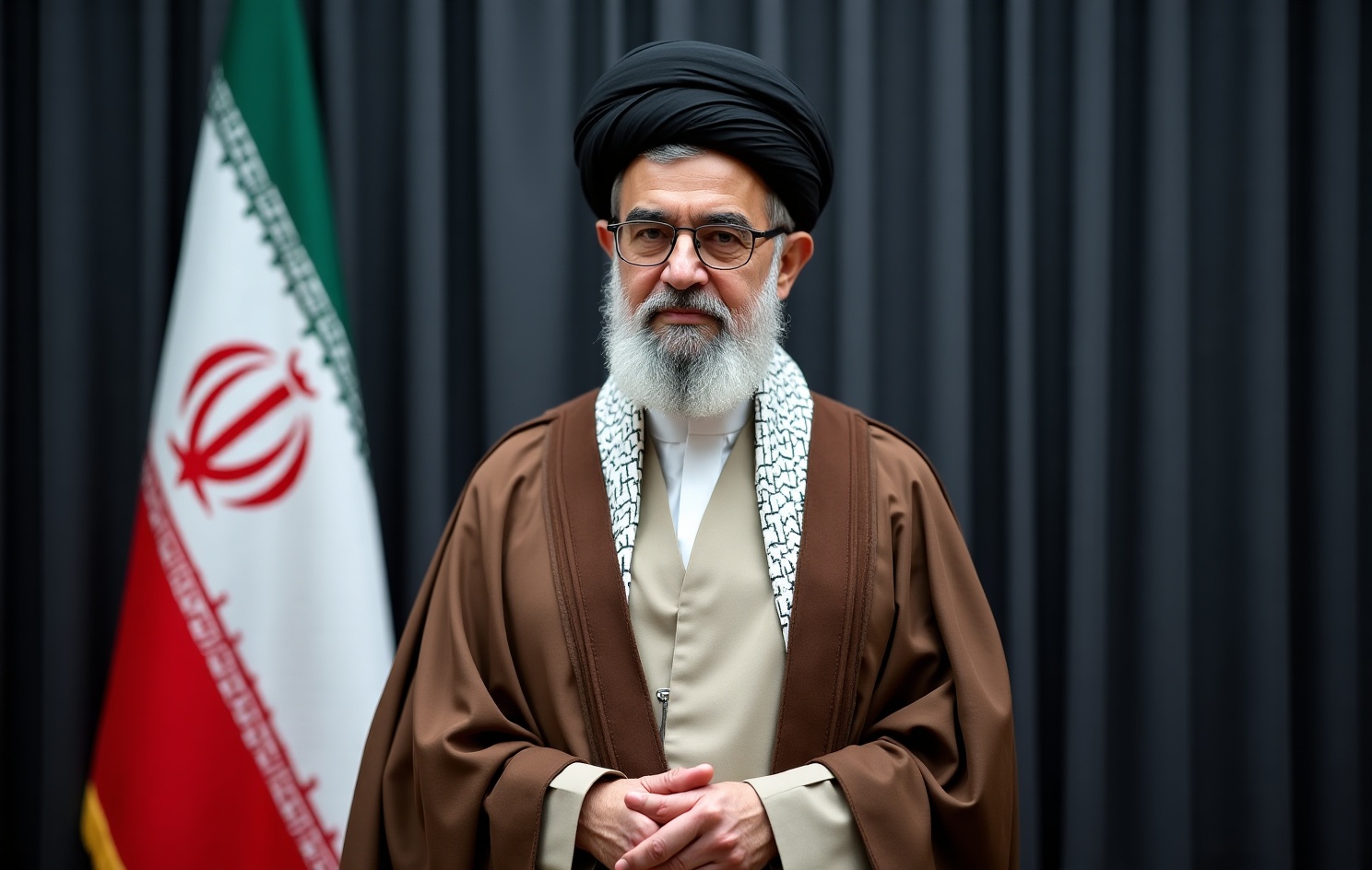
Mojtaba Khamenei, medium shot portrait, visible from head to waist, standing upright and facing camera, black turban, glasses, grey beard, brown clerical robe over white traditional clothing, neutral expression, Iranian flag in the background on the left side, dark curtain backdrop, official government portrait, realistic photography, centered composition, professional lighting, photorealistic, highly detailed, documentary style, sharp focus, natural colors, 16:9 frame negative prompt:close up portrait, cropped chest, cropped shoulders, smiling, cartoon, anime, painting, low quality, blurry, distorted face, extra fingers, extra hands, watermark, text, logo
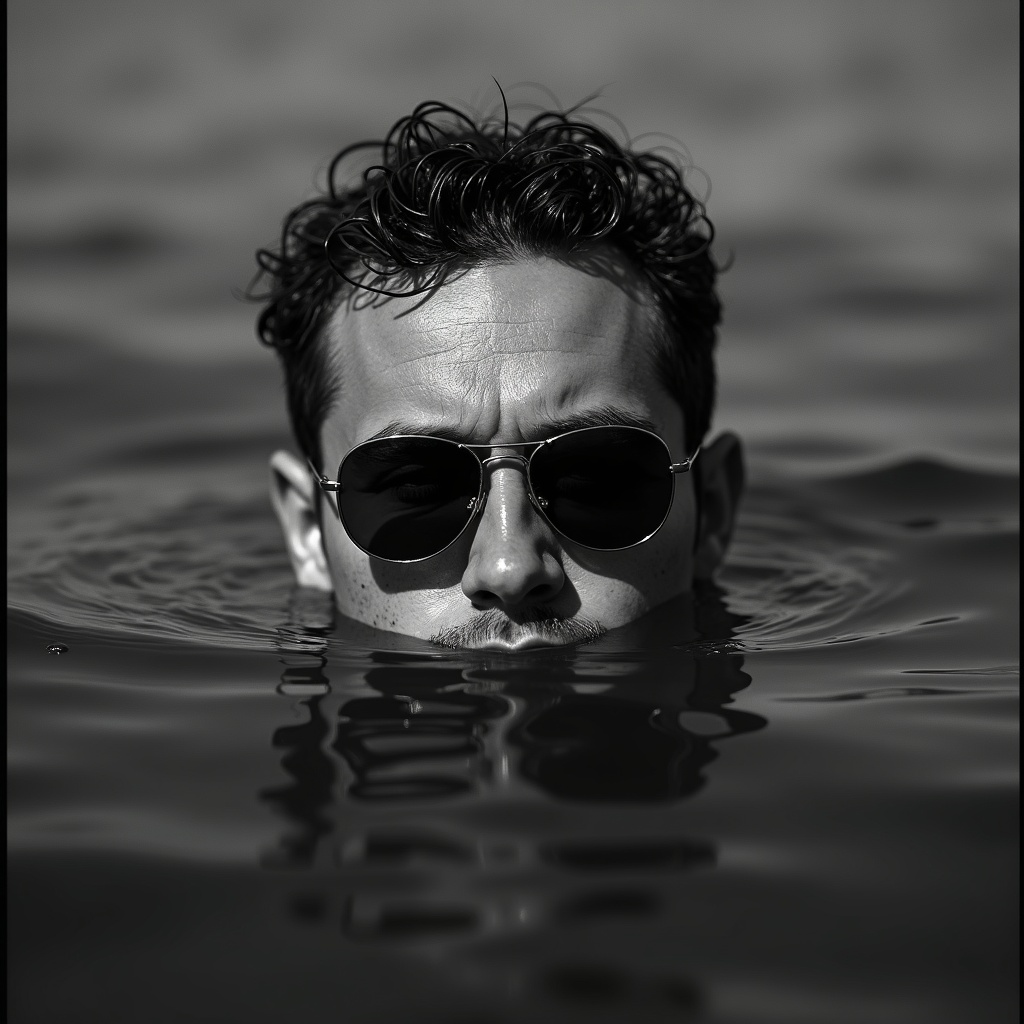
A black and white photo of a man's head just above dark water, sunglasses partially submerged. The camera is low, parallel to the water
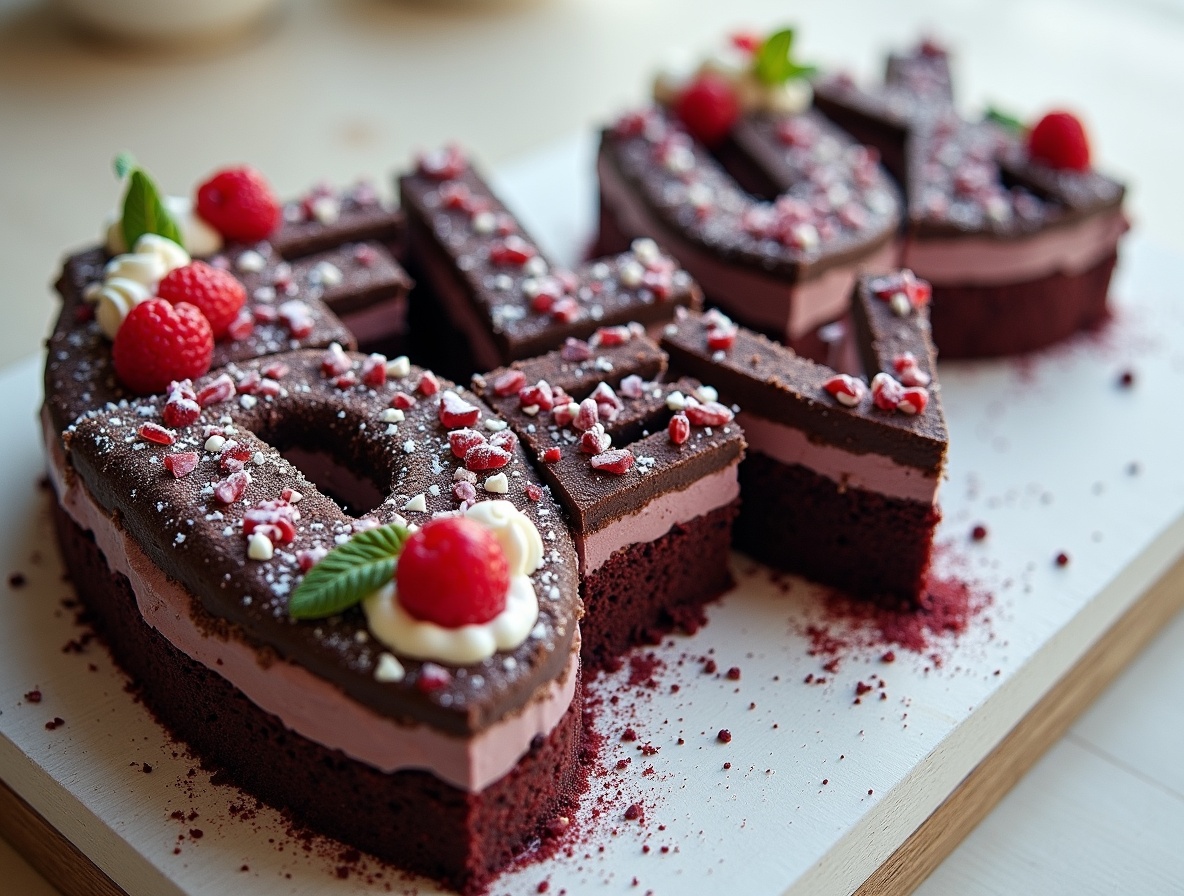
black forest gateau cake spelling out the words "FLUX DEV", tasty, food photography, dynamic shot
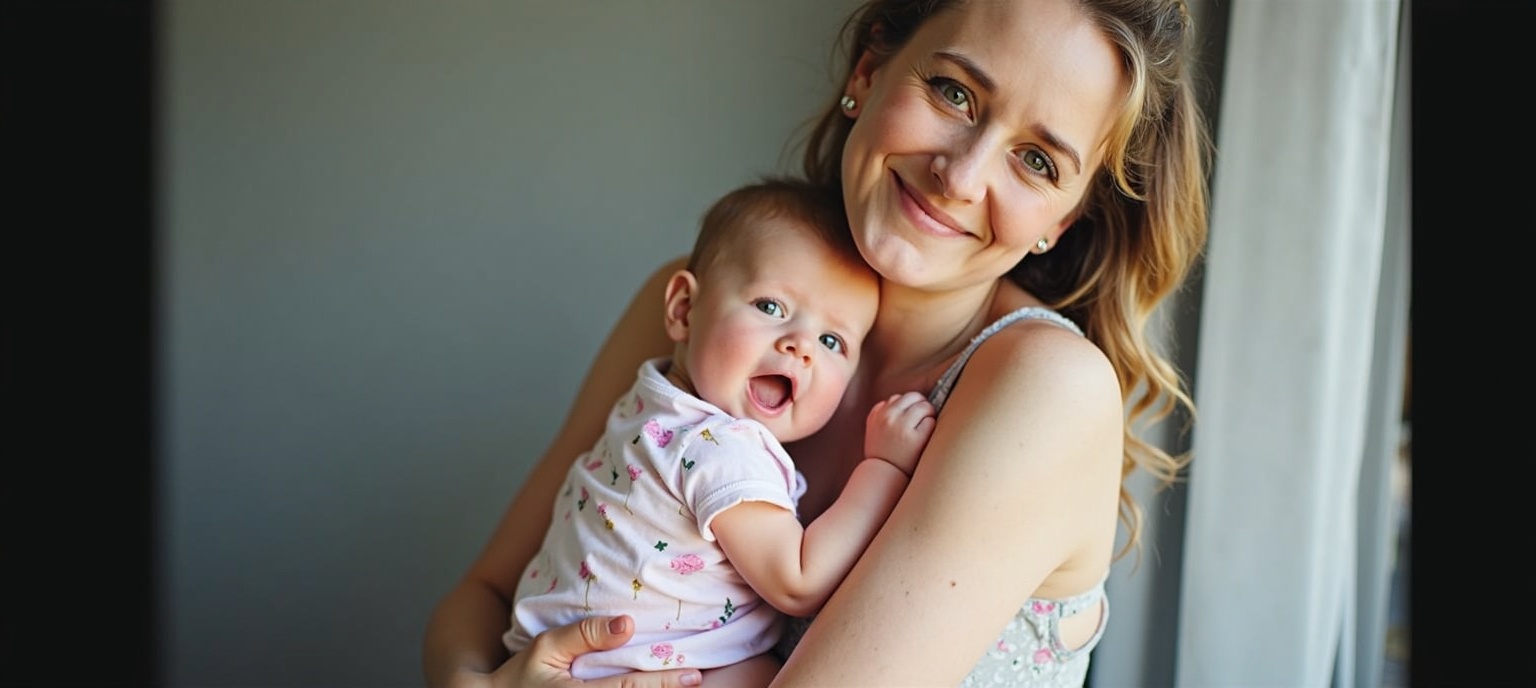
mother and her baby

A black-and-white central-compositioned closeup photo at night. The silhouette of a man's legs stands with his back to the camera on railroad tracks, facing the background. A spotlight from the background shines between his legs. Someone's other far silhouette is in this spotlight. dramatic backlit lighting.

如何使用FLUX.1 图像转图像生成器?
请按照以下步骤使用FLUX.1 图像转图像转换和增强您的图像:
- 上传您的图片,格式为PNG或JPG,最大为2048 x 2048像素。
- 输入描述性文本提示,详细说明您想要应用的更改或增强。
- 调整模型参数,如分辨率和去噪等级,以达到您想要的结果。
常见问题
FLUX.1 图像转图像的用途是什么?
FLUX.1 图像转图像用于根据特定的文本描述转换和增强图像。它非常适合照片编辑、创意原型设计和艺术品精修。
FLUX.1 图像转图像如何生成结果?
FLUX.1 图像转图像使用强大的转换器模型来解释您的文本提示,并对上传的图像进行详细修改,生成高质量的输出。
我可以从FLUX.1 图像转图像中期待什么样的图像质量?
FLUX.1 图像转图像提供最高级别的图像质量,分辨率高达2048 x 2048像素,提供非常逼真且详细的视觉效果。
FLUX.1 图像转图像是否适合商业用途?
是的,FLUX.1 图像转图像适用于个人、科学和商业用途,并提供灵活的许可证,以满足广泛的应用需求。
FLUX.1 图像转图像的亮点是什么?
FLUX.1 图像转图像因其先进的AI能力而脱颖而出,使得根据用户提示进行精确且详细的图像转换成为可能。
如何使用FLUX.1 图像转图像获得最佳效果?
要获得最佳效果,请使用清晰且详细的提示。尝试不同的参数来根据您的需求调整输出。